12
Introduction
Congratulations on your purchase and welcome to
Philips! To fully benet from the support that Philips
offers, register your product at www.philips.com/
welcome.
Please read this user manual, as it contains
information about the features of this shaver as well
as some tips to make shaving easier and
more enjoyable.
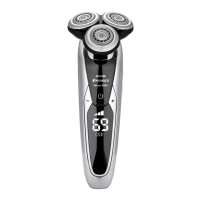
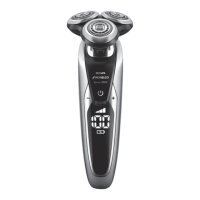
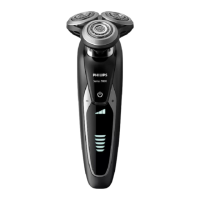
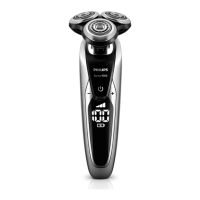
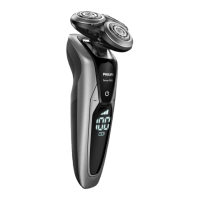
General description (Fig. 1)
1 Protection cap for cleansing brush attachment
2 Click-on cleansing brush attachment
3 Comb for beard styler attachment
4 Click-on beard styler attachment
5 Click-on trimmer attachment
6 Click-on shaving unit
7 On/off button
8 Socket for small plug
9 Exclamation mark
10 Replacement reminder
11 Travel lock symbol
12 Cleaning reminder
13 Charge symbol
14 Battery charge percentage
15 Personal settings
16 + and - buttons for personal settings
17 Replacement symbol
18 SmartClean system
19 Cap of SmartClean system
20 On/off button
21 Cleaning symbol
22 Drying symbol
23 Progress bar
24 Ready symbol
ENGLISH



 To Next Page