18 EN
6 Videos
Transfer videos to the player
You can transfer videos to the player in two
ways:
Transfer through Philips Media
Converter;
With the video converter software,
type that is supported on the player,
player.
Windows Explorer.
By doing so, you can organize your
Install Philips Media Converter
time
When you connect VIBE
time, a pop up screen is displayed:
1 Select your language and country.
2 Follow the onscreen instructions to
complete the installation.
Note
The installation requires you to agree to the license
terms.
If the pop up screen is not displayed
automatically:
1 On the player, make sure that you have
selected the following options:
In
> [CD installer], select [Enable].
2 On the PC, select My Computer
(Windows XP / Windows 2000) /
Computer (Windows Vista / Windows 7).
» The Philips Songbird drive is displayed.
3 To install Philips Media Converter, double
click PMCsetup.exe in the Philips Songbird
drive.
Note
The installation requires you to agree to the license
terms.
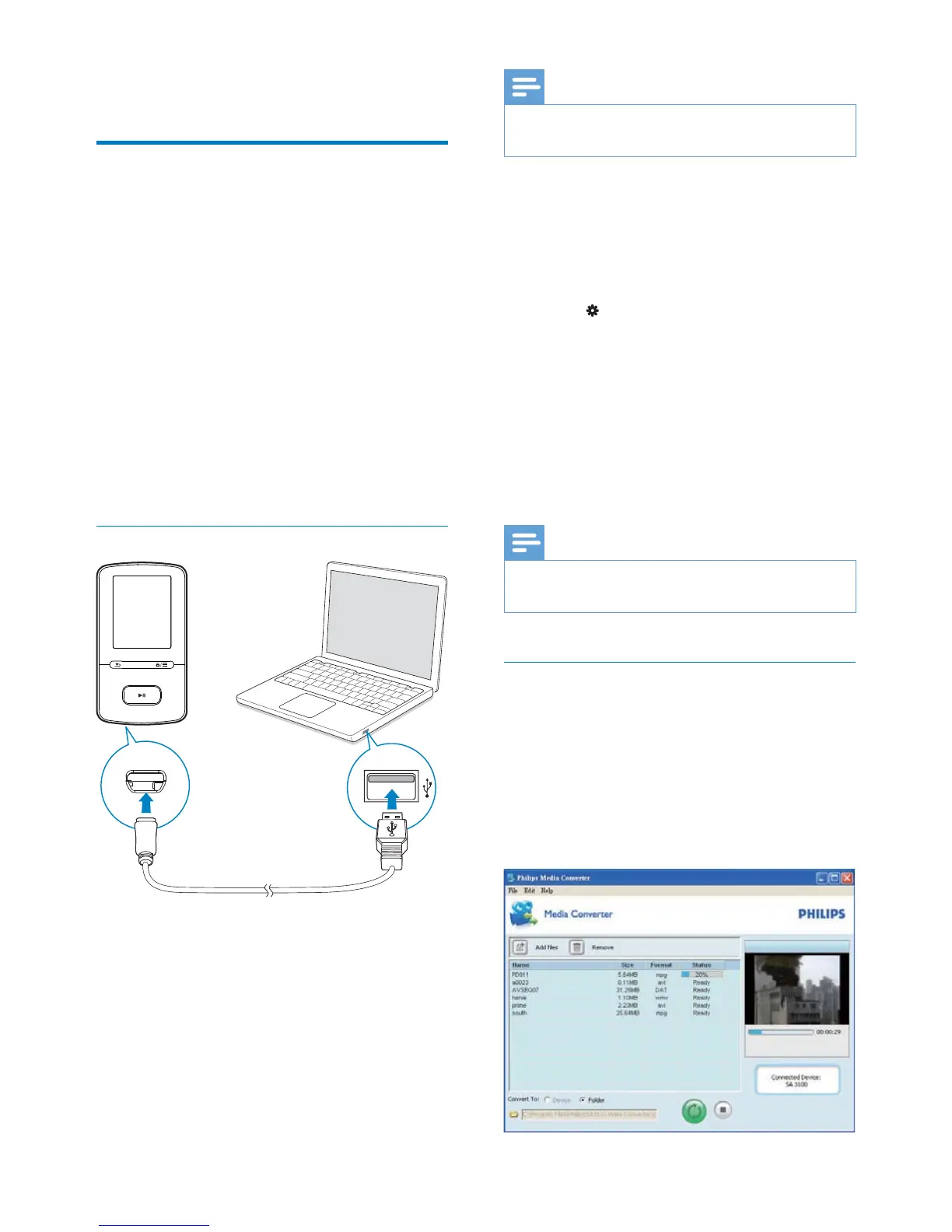
Use Philips Media Converter
1 On your PC, launch Philips Media
Converter.
2 Connect the player to the PC by using the
USB cable.
Wait until the player is recognized by
Philips Media Converter.












 To Next Page