
 Need help?
Do you have a question about the Philips GoGEAR SA4RGA and is the answer not in the manual?
Maintain the player and its components for optimal performance and longevity.
Guidelines for optimal temperature ranges for operating and storing the device.
Information on how to order replacement parts and accessories for the player.
Recommendations for listening at safe volumes and for reasonable periods to protect hearing.
List of items included with the Philips GoGear player upon purchase.
Details on the necessary PC software, such as Philips Device Manager, for player management.
Information about pre-loaded files on the device, like user manuals and FAQs.
Instructions on how to charge the built-in battery of the RAGA player.
Guide for charging the player using a USB AC/DC adapter.
Steps to power the GoGear player on and off.
Explanation of the player's power-saving feature that automatically turns it off.
Methods for transferring music files from a PC to the RAGA player.
How to locate music tracks on the player by song information, playlist, or file folder.
Instructions on how to start playing music from a song, album, or artist.
Options available for customizing music playback, such as repeat or shuffle modes.
Information on managing and using playlists on the player.
Guide on searching for and tuning into FM radio stations using auto or manual methods.
Instructions on how to listen to selected FM radio stations.
How to save favorite FM radio stations as presets for quick access.
Steps to record audio programs directly from the FM radio.
Procedure for transferring recorded FM radio content from the player to a PC.
How to play back audio recordings made from the FM radio.
Options to configure music playback behavior, including repeat and shuffle.
Adjustments for audio output, such as FullSound, Equalizer, and Volume Limit.
Setting a timer for the player to automatically switch off after a specified duration.
Customization options for the player's screen, including brightness and timer.
Configuring the time before the screen automatically turns off to save power.
Selecting the user interface language for the player.
Accessing details about the player, such as model name and firmware version.
Information regarding legal aspects and copyright notices for the player.
Restoring the player to its original default settings.
Instructions for installing the Philips Device Manager software on a PC.
How to check for and download the latest firmware updates for the player.
Procedure to download and install firmware updates using Philips Device Manager.
Steps to perform a basic reset of the player if it is not working correctly.
Procedure to recover the player using Philips Device Manager if a reset fails.
Specifications related to the player's power supply, battery, and play time.
Details about the software used for player management and updates.
Information on connection types supported by the player, like headphone jack and USB.
Technical specifications for the player's audio output and sound quality.
Supported audio file formats and their technical specifications (bitrate, sampling rates).
Details about the player's internal memory capacity.
Methods for transferring media files to and from the player.
Specifications for the player's screen resolution and size.
Minimum system requirements for PC software compatibility and operation.
 General
| Brand | Philips |
|---|---|
| Model | GoGEAR SA4RGA |
| Category | MP3 Player |
| Language | English |


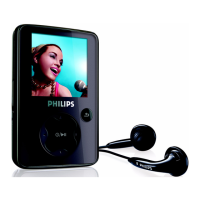


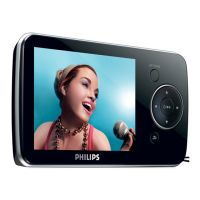
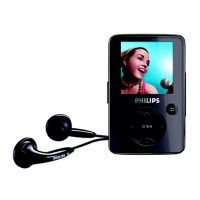
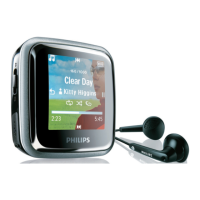



 To Next Page
