20 EN
7 Pictures
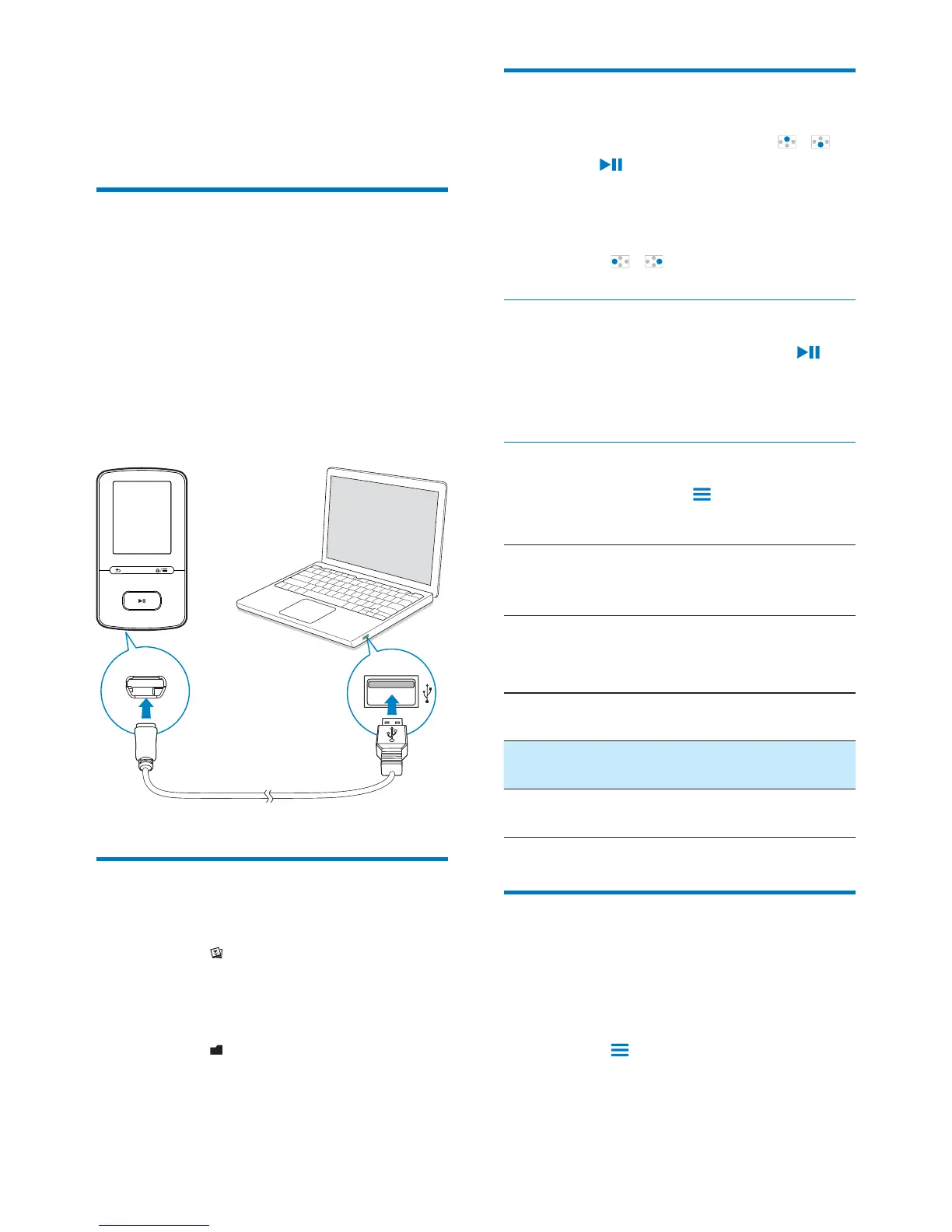
Add pictures to the player
1
Connect VIBE to a computer.
2 On the PC, under My Computer or
Computer,
select VIBE
3
folders on the VIBE.
from the PC to VIBE.
Find pictures on the player
Go to
.
»
alphabetical order.
Go to
.
»
as on the PC.
View pictures
On the list of pictures, press /
and
to select a picture.
» The picture is displayed in the
landscape view.
On the play screen,
Press
/ to select a picture.
Start a slideshow
When you view pictures, press to
start a slideshow.
» Pictures play one by one.
Select play options
On the play screen, press to select play
options:
[Backlight
timer]
Select a value. After the selected
time duration, the screen switches
off automatically.
In [Slideshow settings], select your options for
slideshow:
[Time per
slide]
Select the time interval between
two slides.
[Repeat] Play pictures in current folder
repeatedly.
Play pictures in current folder in
random order.
Delete pictures from the
player
1
Select or play a picture.
2 On the list of pictures or play screen,
press
and select [Delete picture].
» Current picture is deleted from
the player.












 To Next Page