8 EN
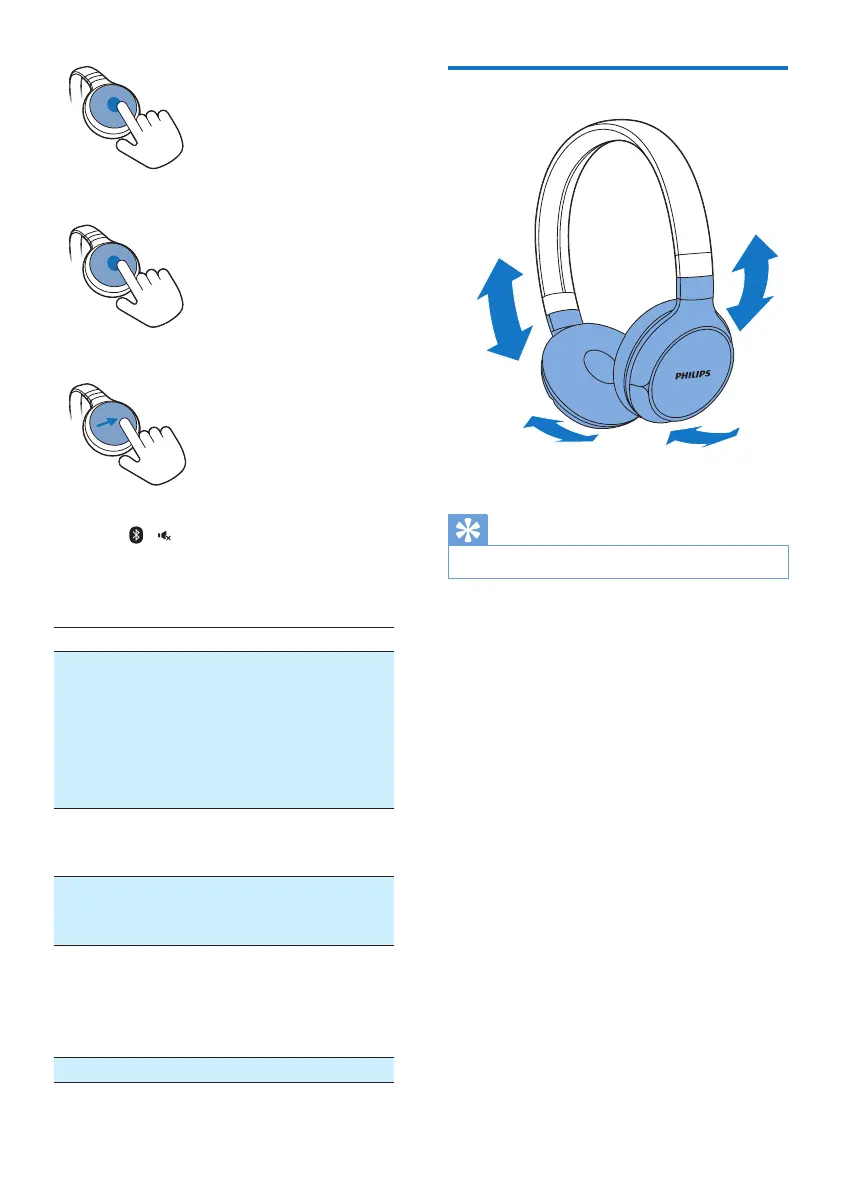
• Reject an incoming call: tap and hold.
• Switch caller during a call: slide forward.
• Mute/unmute the microphone in a call:
press / .
Other headphones indicator status
Headphones status Indicator
The headphones
are connected to a
Bluetooth device, while
the headphones in
standby mode or while
you are listening to
music.
The blue LED
ashes for every 8
seconds.
The headphones are
ready for pairing.
The LED ashes
blue and white
alternately.
The headphones are on
but not connected to a
Bluetooth device.
The blue LED
ashes quickly.
Low battery. The white LED
ashes 3 times for
every 10 seconds
until it is out of
power.
Battery is fully charged. White LED is off.
Wear your headset
Adjust the headband to t your head.
Tip
• After use, twist the headphones for easy storage.


 To Next Page