EN
1 What’s in the box (Fig. A)
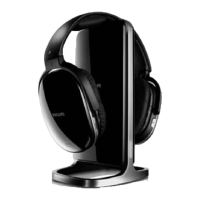
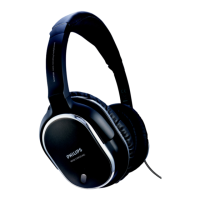
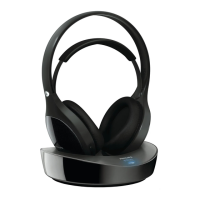
1) Headphones 2) Docking station
3) AC/DC adaptor 4) 3.5 - 6.3mm adaptor
5) RCA to 3.5mm audio cable 6) Quick start guide
7) 2 x AAA rechargeable NiMH batteries (SBC HB700)
2 Get Started
Note
Before using the headphones for the fi rst time, charge the supplied batteries for •
at least 4 hours.
If the volume of the audio source is insuffi cient, the transmitter automatically turns •
off.
The energizing docking station does not transmit audio signal during charge. •
1
Install/Replace supplied batteries (Fig. B).
2 Power on/off the headphones (Fig. C)
3 Power on the transmitter (Fig. D).
Charge the headphones (Fig. E).•
4 Connect audio and adjust ATT (Attenuation of audio input signal)
(Fig. F).
For portable CD player, MP3 player or other devices with 3.5mm •
triport socket output, switch ATT to 0dB .
For HiFi, TV, DVD player or other devices with RCA socket output, •
switch ATT to -8dB . (Fig. G: Jack to cinch connector, not supplied).
For an audio device with a 6.3mm headphone output, use the supplied •
3.5mm - 6.3mm stereo adaptor plug (Fig. A).


 To Next Page