3EN
2 Your Bluetooth
in-ear
headphones
Congratulations on your purchase, and
welcome to Philips! To fully benet from the
support that Philips offers, register your product
at www.philips.com/welcome.
With this Philips wireless in-ear headphones,
you can:
• enjoy convenient wireless handsfree calls;
• enjoy and control wireless music;
• switch between calls and music.
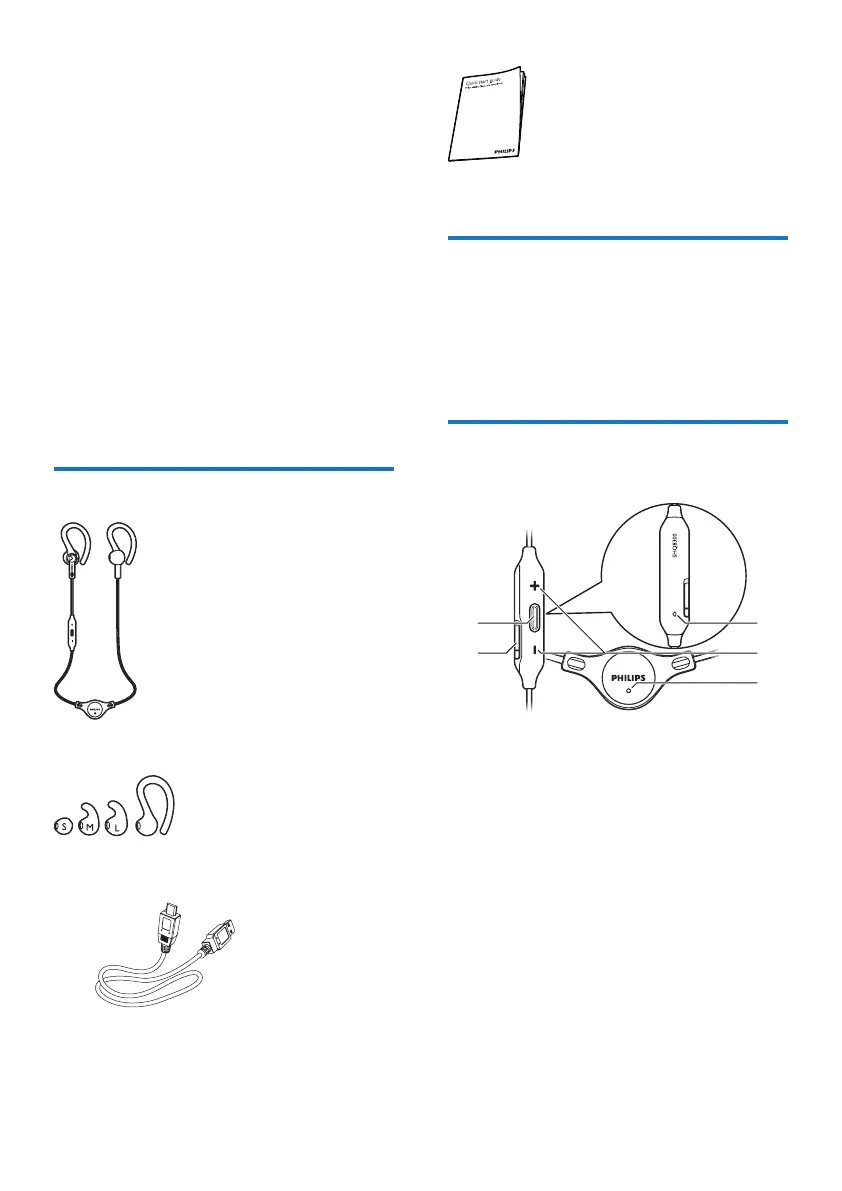
What's in the box
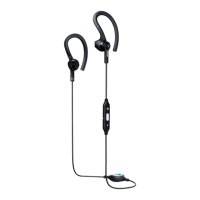
Philips Bluetooth in-ear headphones SHQ7800
Replaceable rubber ear caps
USB charging cable (for charging only)
Quick start guide
Other devices
A mobile phone or device (e.g. notebook, PDA,
Bluetooth adapters, MP3 players etc) which
supports Bluetooth and is compatible to the
headphones.
Overview of your Bluetooth
in-ear headphones
a Microphone
b Volume/Track control button
c LED indicator
d Micro USB charging slot
e On/off, music/call control control button
b
a
c
e
d


 To Next Page