Pressure sensor
Your Philips Sonicare measures the pressure you apply while
brushing to protect your gums and teeth from damage.
If you apply too much pressure, the handle will change its
vibration until you reduce the pressure.
Note: The Pressure Sensor comes activated with your product.
To deactivate this feature, see 'Activating or deactivating
features'.
BrushPacer
The BrushPacer features indicates when you are supposed to
move onto the next section of your teeth via a brief change in
vibration.
The toothbrush will automatically turn o at the end of the
brushing session.
Charging and battery status
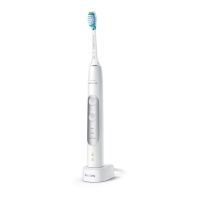
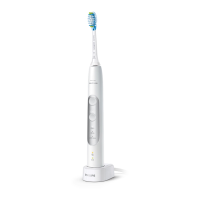
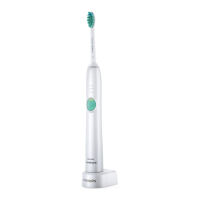
Charging on charger or sanitizer
1 Plug the charger or sanitizer into an electrical outlet.
2 Place the handle on the charger or sanitizer.
3
The charger will charge your toothbrush until it is fully charged.
Note: Your handle comes pre-charged for rst use. After rst
use, charge for at least 24 hours.
Charging with the travel case*
* Note: The charging travel case may not be included depending
on the model purchased.
20 English
4235_021_7418_2_Booklet_A6_v2.indd 20 16/05/2019 10:07





 To Next Page