ENGLISH10
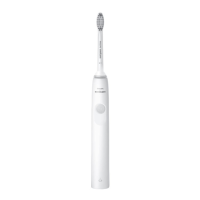
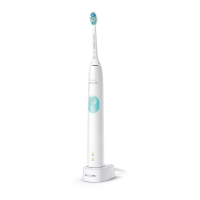
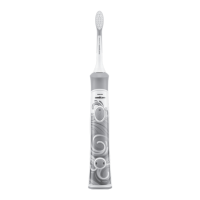
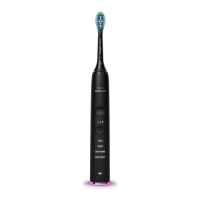
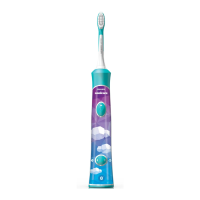
General description (Fig. 1)
1 Hygienic travel cap
2 Brushheadwithuniqueidentier
3 Handle
4 Power on/off button
5 Intensity level indicator
6 Intensity level button (+ and -)
7 Brushing modes
8 Modebutton
9 Battery level indicator
10 UV sanitiser and base with integrated charger
andcordwrap(specictypesonly)
- Not shown: UV light bulb
- Not shown: Sanitiser drip tray
- Not shown: Protective screen for UV light bulb
11 Mainscordwithplug
12 Deluxecharger(specictypesonly)
13 Charger cover with brush head holders and
base with cord wrap
14 Travel charger
- Not shown: Travel case
Note: The contents of the box may vary based on the
type purchased.
Preparing for use
Attaching the brush head
1 Align the front of the brush head with the
front of the handle.
2 Firmly press the brush head down onto the
metal shaft until it stops.
Note: Sonicare Platinum brush heads come with easily
identiable icons to identify your brush head.


 To Next Page
 Loading...