- 4 -
4
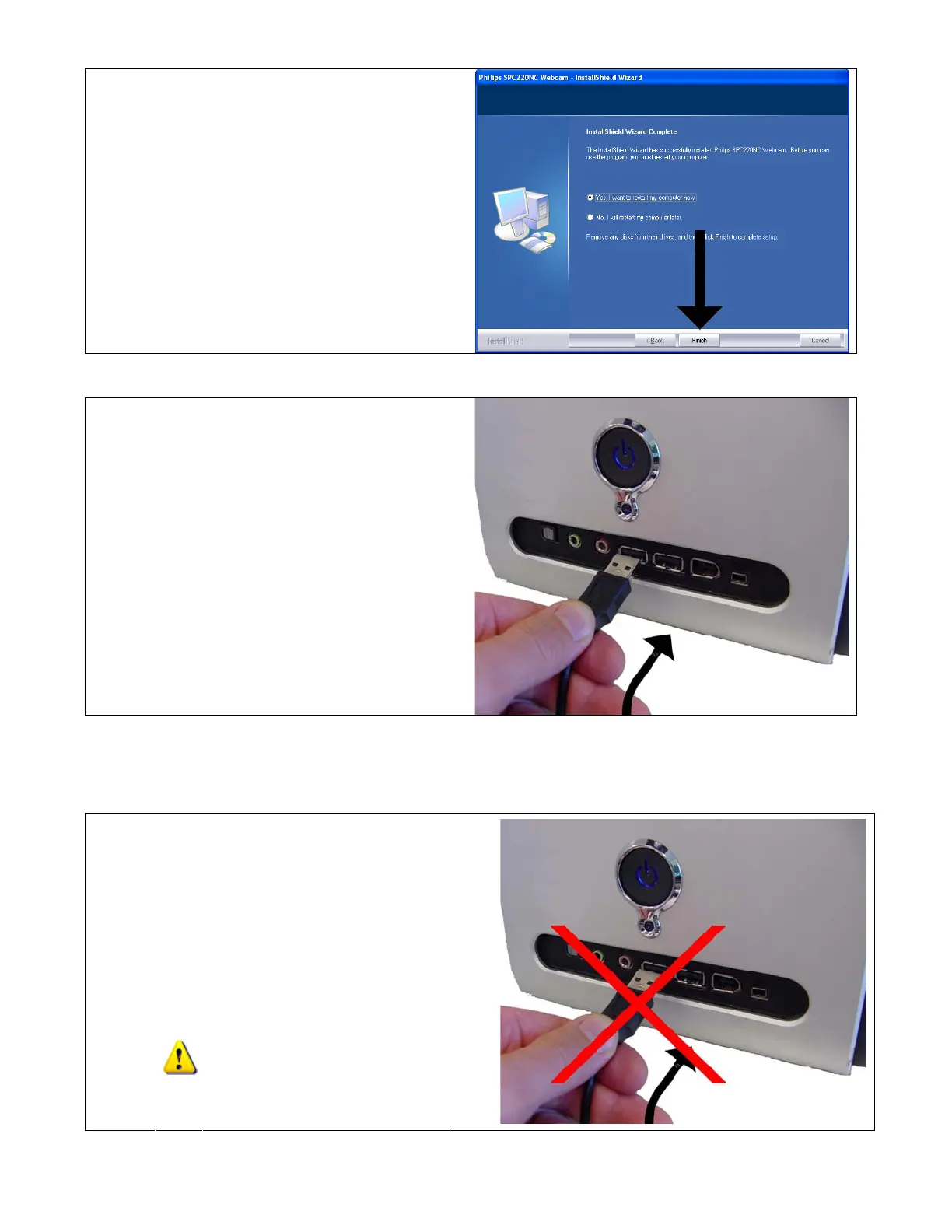
Click “Finish” to restart your computer.
5
When your computer has restarted,
connect your webcam.
Enjoy using your SPC220NC webcam!
4. How to install the Philips SPC220NC on Windows Vista
32bit?
Do NOT connect the webcam to your
computer yet.
1
Close all open applications.


 To Next Page
 Loading...