For preview purpose only
Simply superior performance!
Ultimate video chatting
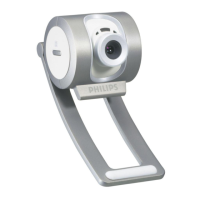
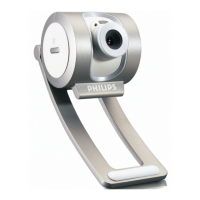
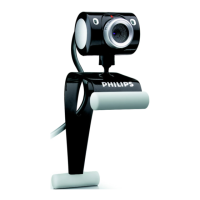
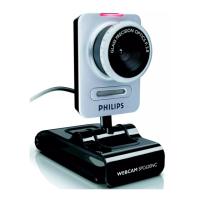
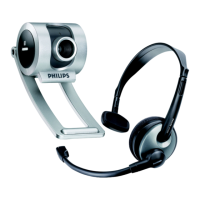
With the SPC 700NC, you have a top quality solution for face-to-face video chatting
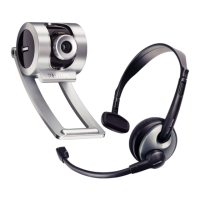
and conferencing. It comes complete with its own matching multimedia headset, so you
get everything you need to comfortably enjoy the on-line experience.
High picture & video quality
• SVGA photo resolution for sharp images
• 30 frames per second video
Face-to-face video chatting
• Comes complete with multimedia headset for extra comfort
• Go face-to-face with free instant messaging services
• Face tracking automatically follows your face
• Digital zoom for frame-filling images
• Built-in digital microphone for recording a soundtrack
Easy to use
• Multifunctional stand mounts on any monitor or notebook
• V(ideo)Launch software
• Get started in a second with VLounge with QuickLaunch button
• Snapshot button for instant photos
• Rotating lens for perfect aiming and natural images
Philips
SPC700NC

 Need help?
 General

 To Next Page