Know these buttons
Startup
Control buttons Function
- Hold to turn on/off the PhotoFrame
- Press to switch mode: slideshow/clock/calendar
- Press to go back
- Hold to access the home screen
- Press to enter/exit a menu
/
/
/
- Press to select the previous/next/right/left option
- Press to play/pause slideshow
- Press to confi rm a selection
1 Connect the power cord to the DC
socket of the PhotoFrame and then to
a power supply socket.
A few seconds later, the »
PhotoFrame turns on automatically.
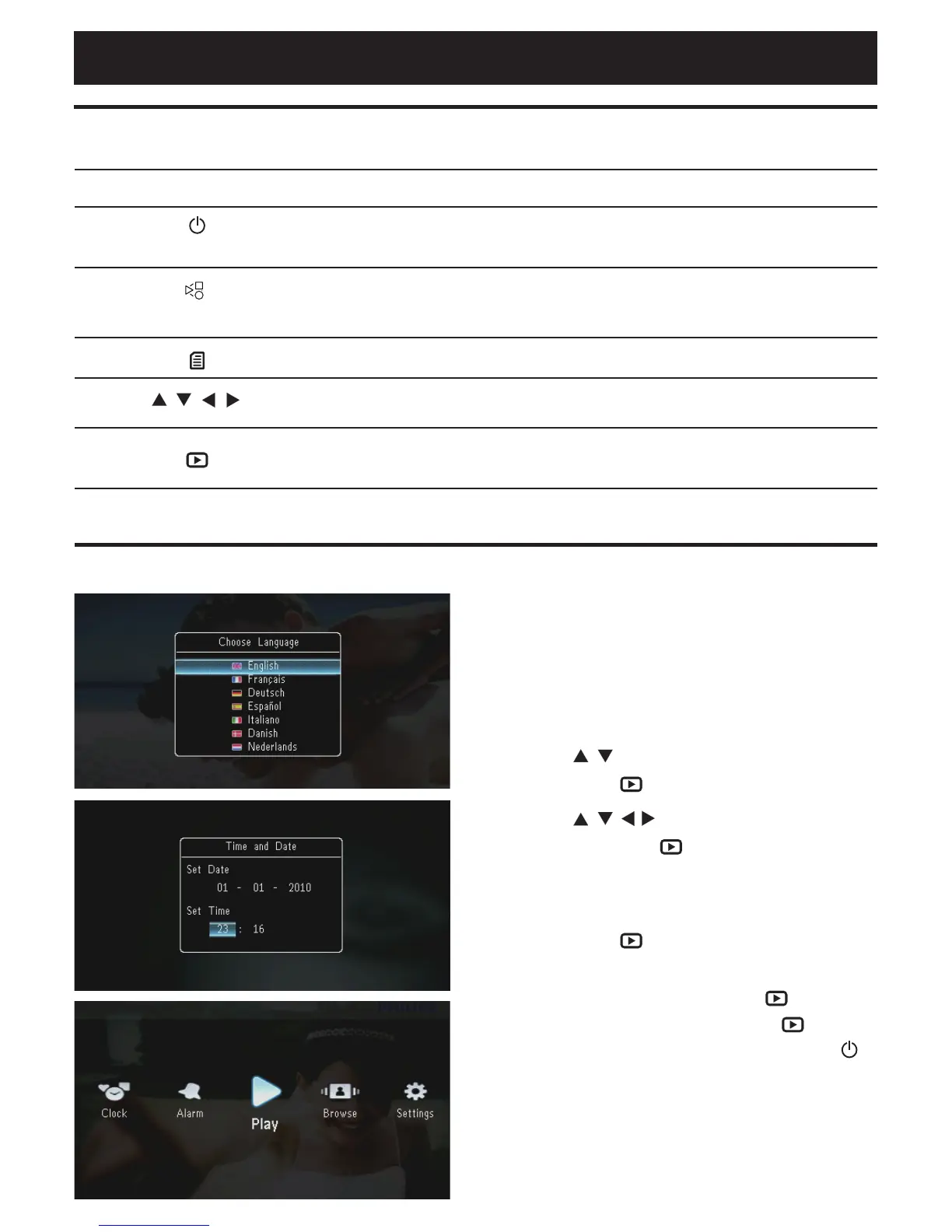
2 Press / to select a language, and
then press .
3 Press / / / to set time and date,
and then press .
The home screen is displayed. »
4 To start slideshow, select [Play] and
then press .
To pause slideshow,• press .
To resume slideshow,• press again.
To turn off the PhotoFrame,• hold .
English



 To Next Page