Using Settings
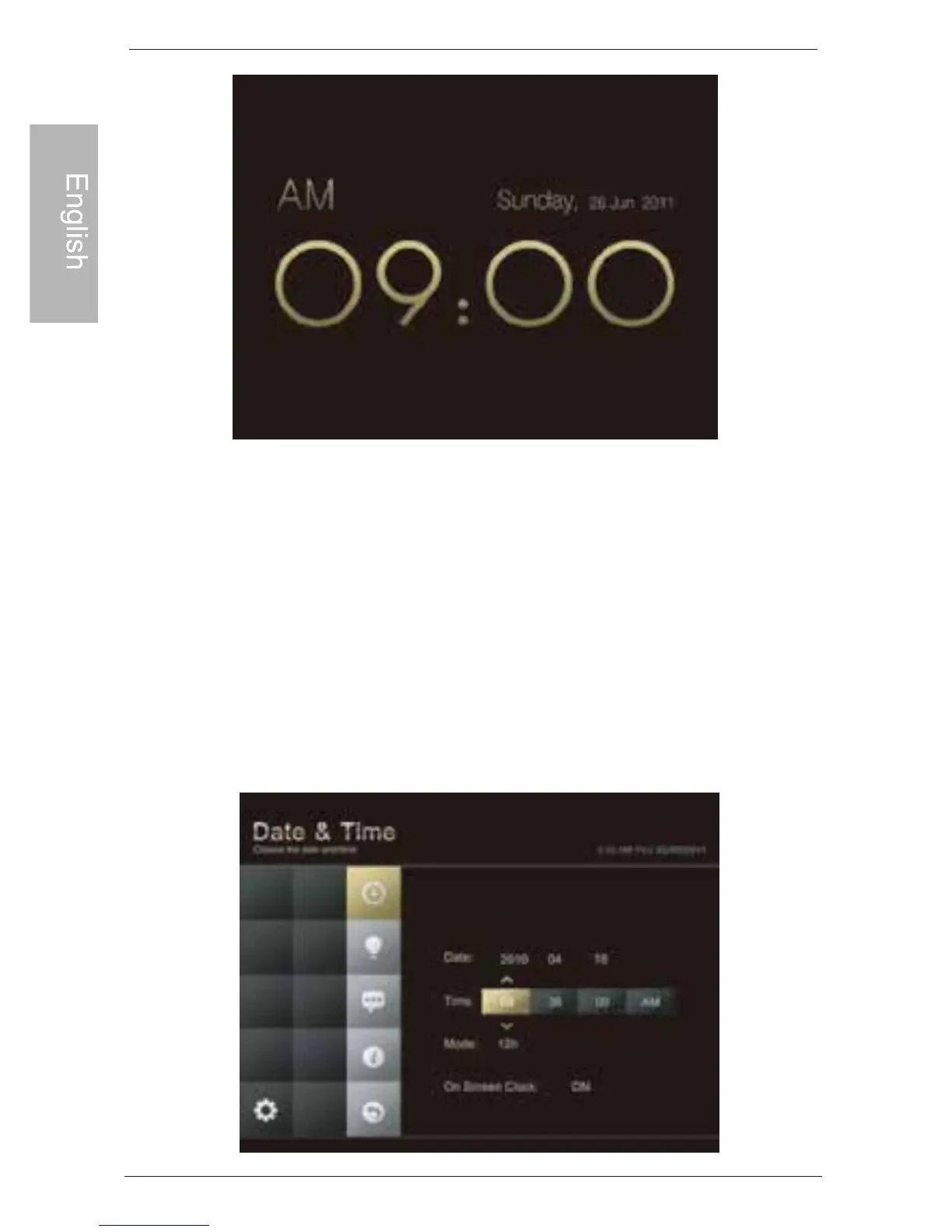
Configure the settings of the PhotoFrame
1. In the main menu, scroll to select SETTING and then press OK.
2. Scroll to toggle among Date & Time, Brightness, Language,
Information, Reset & Upgrade, and then press OK to enter a
page.
3. Press OK again. When the selection marks appear, scroll to
adjust the settings, and then press OK to confirm.
4. Press ESC to exit.
EN-12
Philips Digital PhotoFrame
Using Settings



 To Next Page