10 EN
4
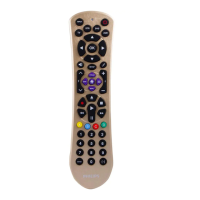
GUIDE ....................... electronic program guide.
MENU ........................ menu on / off.
INFO........................... on-screen channel
information.
EXIT ............................ exits / clears on-screen
menu displays.
3 4 1 2 ............... cursor up, down, left,
right in a menu.
OK ............................... confirms your selection.
A,B,C,D ..................
Context sensitivity keys,
ordered following the
requirements for cable
boxes.
A - Yellow, B - Blue, C - Red,
D - Green.
5
+VOL- ...................... adjusts TV volume.
................................ mutes TV sound.
................................ previous program / Last.
+CH- ....................... previous / next channel.
6
5 .................................. rewind.
2 .................................... play.
6 .................................. fast forward.
9 .................................... stop.
0 ................................... record.
; ..................................... pause.
4P3P ........................ previous (4P) / next
(3P) page / track in
various modes.
/ ....................... set your Thumb ratings.
7
................................ used after direct channel
selection. Some devices
require ENTER to be
pressed after channel
selection.
..........................selects between one
and two-figure channel
numbers.
SRP2003_27__Manual_80_210.indd 10 25-09-09 11:06













 To Next Page