49
Switching the modulator on / off
If you cannot clear picture or sound interference despite optimisation, you can switch off the
built-in modulator.
Warning:
this is only possible if you have connected the video recorder to the TV set with a
scart cable. Without a scart cable you will not receive a picture from the video
recorder on the TV set when the modulator is switched off.
1 Switch on the TV set. If required, select the programme number for
the video recorder.
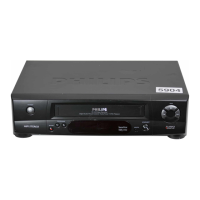
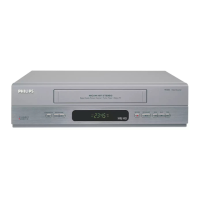
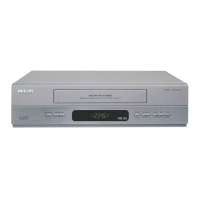
2 Press STOP/EJECT ? to eject any cassette that might be in the
device.
3 Hold the STOP h button on the remote control.
In addition press the STOP/EJECT ? button on the video
recorder until the pre-set modulator frequency e.g. 'M591' (591MHz
or UHF channel 36) appears in the display.
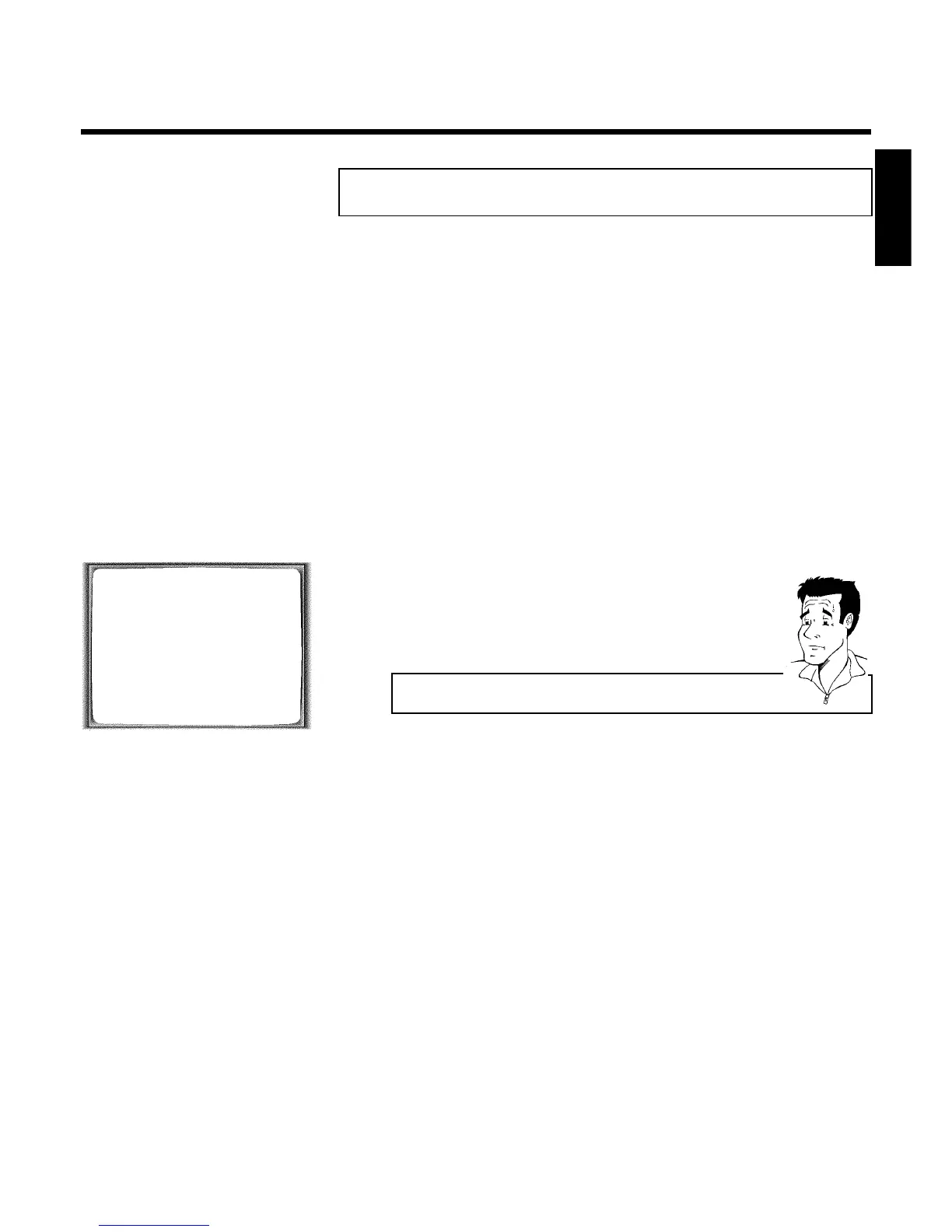
OPTIMIZE MODULATOR
OPTIMIZE FREQUENCY 591 p
MODULATOR ON
SOUND SYSTEM G
________________________________
EXITpMENU STOREpOK
4 Select the line 'MODULATOR' on the TV screen or 'MOD+' in the
display with P ;q or P =r .
5 Select 'OFF' on the TV screen with QSr or in the display 'MOD-'
(modulator off).
How can I switch the modulator back on?
In the display, select 'MOD+' (modulator on) with QSr .
6 Confirm with OK .
7 To end, press MENU .
ENGLISH
Suppressing interference


 To Next Page