ENGLISH PROGRAMMING TIMER WITHOUT VIDEO PLUS
31
31
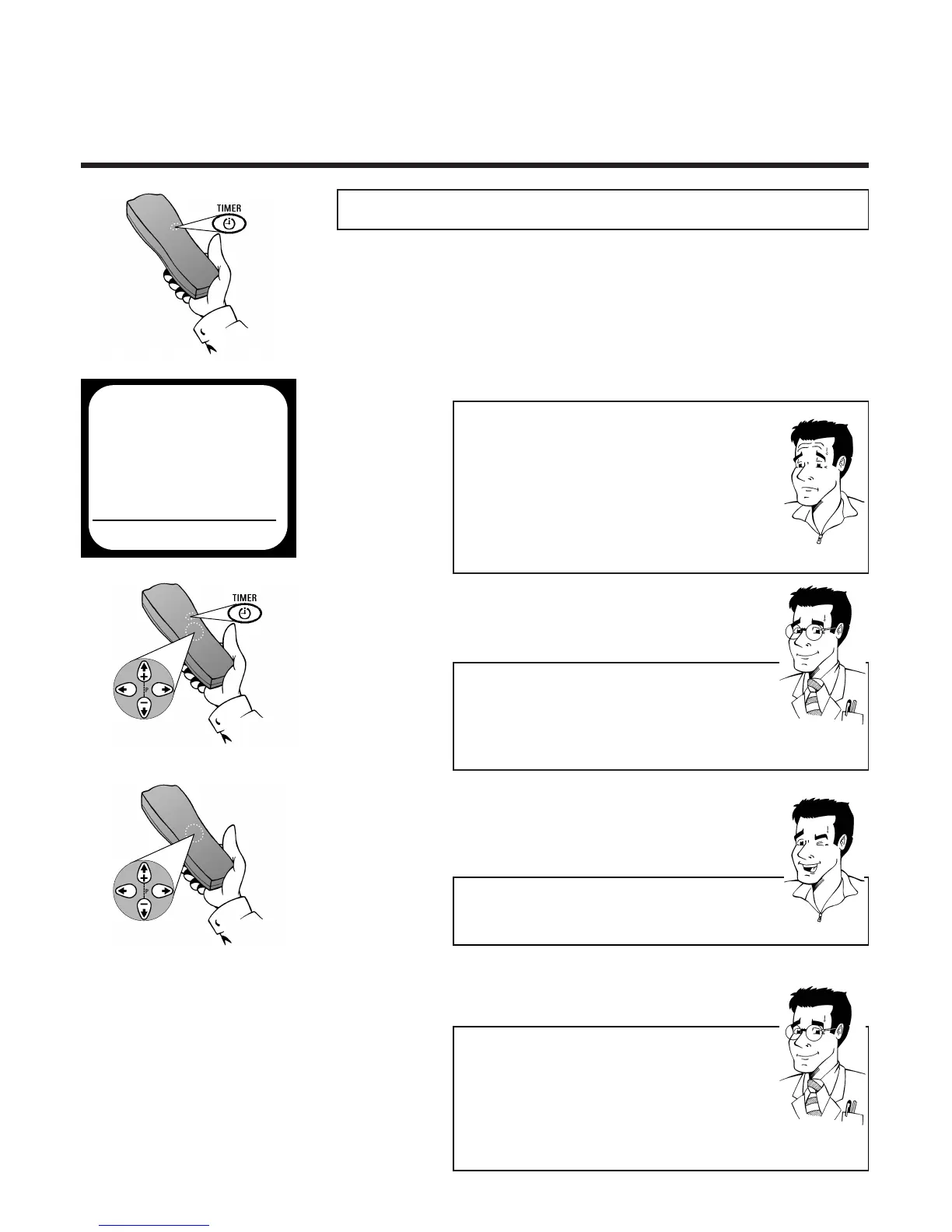
1 Press the
TTIIMMEERR
button k twice
PPrrooggrraammmmiinngg ttiimmeerr wwiitthhoouutt VVIIDDEEOO PPlluuss++
2 The Timer screen will appear
3 Use - if necessary -
==PP--
or
;;PP++
to select a free
memory location and confirm with
TTIIMMEERR
k.
DDaaiillyy // wweeeekkllyy rreeccoorrddiinnggss
If you like, you can use
SSEELLEECCTT
MO-FR for
recordings, which are repeated at the same time daily
(Monday-Friday) or WEEK. for recordings, which are
repeated each week on the same day.
WWhhaatt iiss aa mmeemmoorryy llooccaattiioonn??
For technical reasons, your video recorder has access
to a limited number of drawers in which you can
store your programming requirements. Drawers
occupied by programme recording details are only
available for use again after the video recorder has
successfully completed a programmed recording or if
it has been manually deleted.Your video recorder can
store up to six timer programmings.
4 Use
PP
or
QQ
to select the input field
DATE and enter the date of your desired
recording
PP
AARRDDOONN
??
FFOORR
EEXXPPEERRTTSS
5 Use
PP
or
QQ
to select the entry field
PROG. and enter the programme number
under which the video recorder has stored
the desired TV channel
FFOORR
EEXXPPEERRTTSS
AAccttiivvaattee VVPPSS//PPDDCC
VPS (Video Programming Service) and PDC signals
(Programme Delivery Control) are transmitted by TV
channels at the start and end of transmissions and
ensure that programmes will be completely recorded,
even if they are rescheduled. In the input field,
START use
SSEELLEECCTT
to switch recognition of these
signals on (*) or off ( ).
6 Use
PP
or
QQ
to select the input field
START. and enter the start time of your
desired recording
TTIIPP
EEnntteerr tthhee vvaalluueess ccoorrrreeccttllyy
Numbers less than 10 must be entered with an
additional 0.Therefore for 9 you must enter 09.
2x
TIMER
VPS
DATE REP. PROG. START PDC END
21 ONCE 01 20:00 * 21:30
REP.PSELECT STOREPOK



 To Next Page