10
• Delete Playlists or tracks
Click once or more to select a playlist or track
1
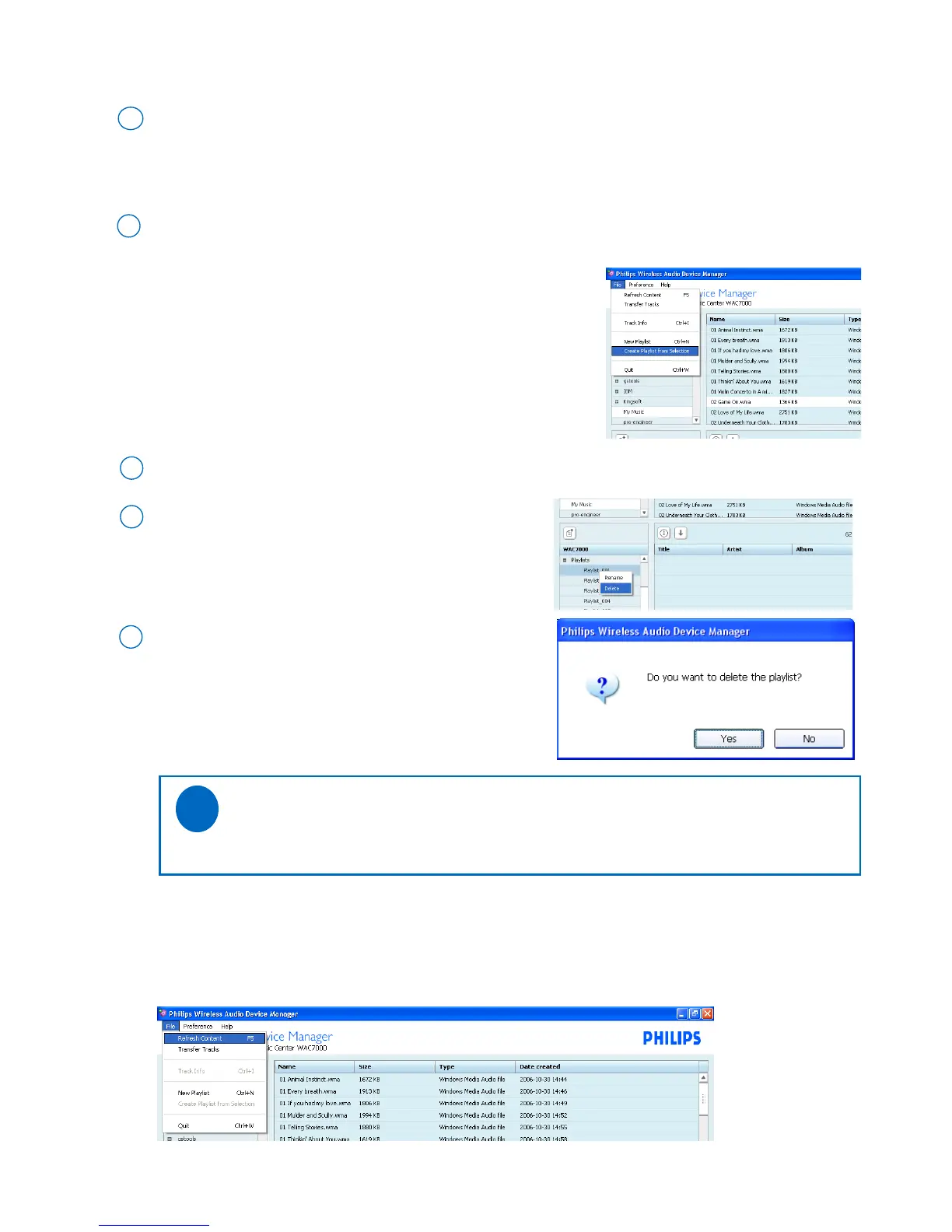
Right click on your selection to delete
or
Press <Delete> on the PC keyboard to delete
2
• Check the device’s music library
Go to the pull-down menu File ➜ Refresh Content Click to select
On the selector panel of the device window, click once or more to select an album, artist or a genre
If necessary, click once or more on the content panel to select one or more tracks
1
Go to the pull-down menu File ➜ New Playlist from Selection. Click to select
2
➜ You will create a playlist consisting of your selection at a time
As prompted, press Yes to confirm,
or press No to cancel
3
To create a playlist of selected tracks
Tips:
- Press and hold <Ctrl> on your PC keyboard and click to select more than one item.
✔



 To Next Page