11
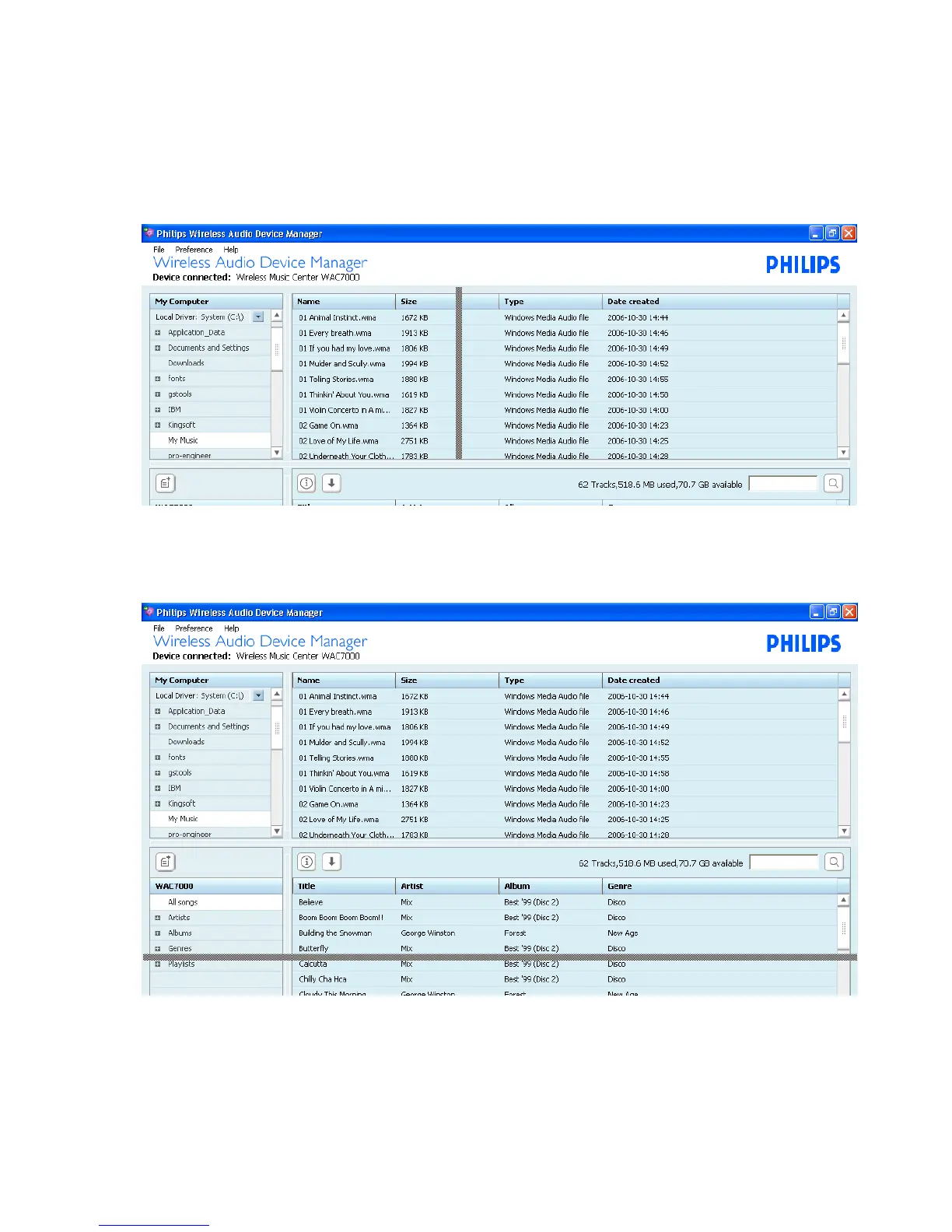
• Adjust the window area
Make Use of Different Views
In the Content management windows, you can select your view options as needed.
• Adjust the column area
Click on the separator between columns. Drag the separator to adjust the column area
• Adjust the panel area
Drag the border area between the selector panel and the content panel
Drag the border area between My Computer window and the device window



 To Next Page