15
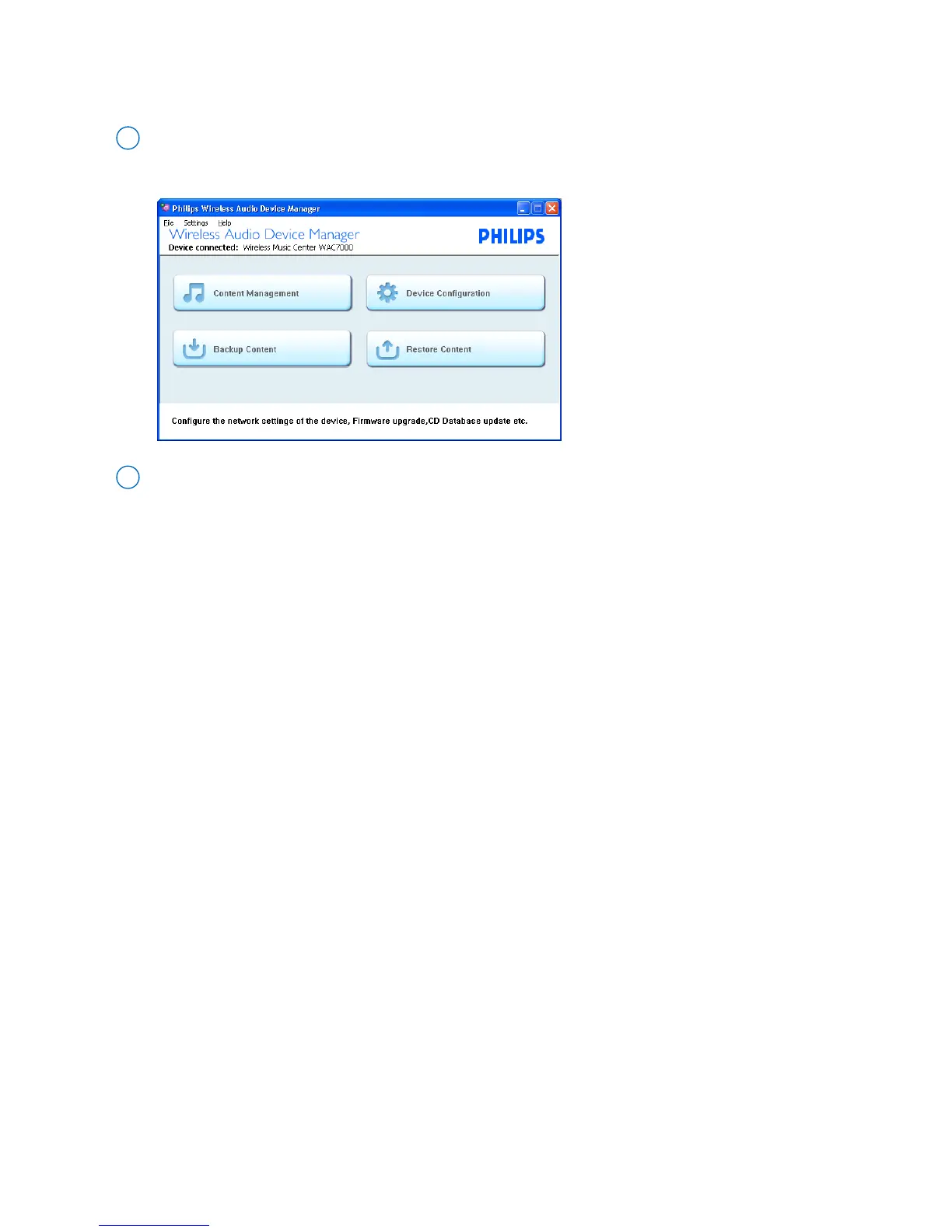
Device configuration
Click the Device configuration button to start
1
On the selector panel of Device configuration screen, click your desired sub-menu, System,
Wired Network, Wireless Network, Internet Setting, Firmware Upgrade, CD database
Update or Status
2
➜ The IE browser is launched



 To Next Page