2
Using Wireless Audio Device Manager (WADM)
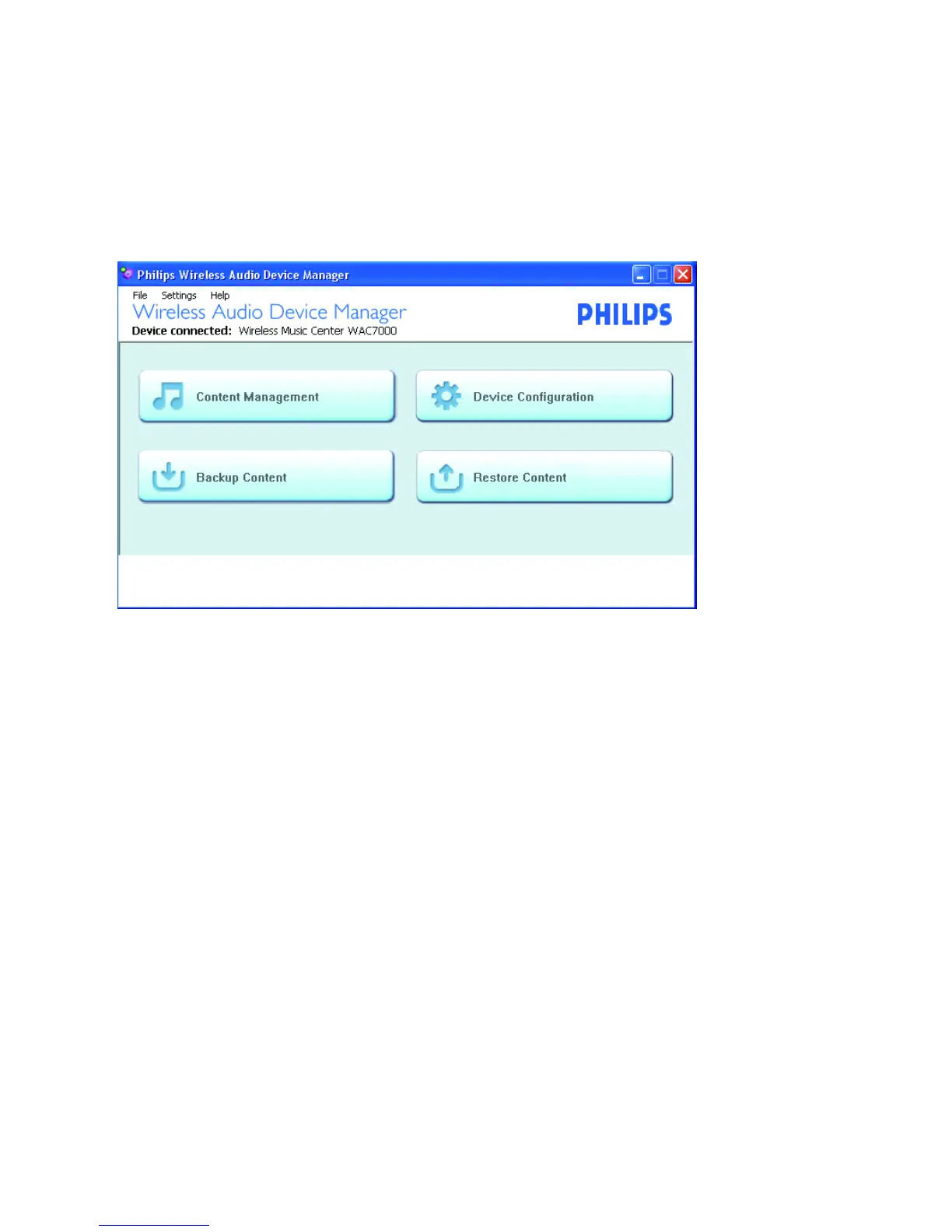
Launch the Wireless Audio Device Manager (WADM) after you have setup the connection between the
center and your PC and installed the WADM (see Connect to your PC)
There are 4 functional buttons: Content management, Device configuration, Backup content, Restore
content. Click one of the buttons to access your desired function
In Content management,you can
• Playback the music files;
• Tr ansfer music files from your PC to Center;
• Edit track information for Center’s music files;
• Create and rename playlists for Center’s music files
In Device configuration,you can
• In the sub-menu System, display the name of Center/Station
• In the sub-menu Wired Network, Wireless Network and Internet Setting, manage the
network settings of Center/Station
• In the sub-menu Firmware upgrade, upgrade the firmware of Center/Station
• In the sub-menu CD Database update, update Center’s built-in Gracenote® music recognition service data-
base to obtain the latest disc information
• In the sub-menu Status, view the connection status of Center/Station
In Backup content,you can
• Backup Center’s music files on your PC
In Restore content,you can
• Restore the backup files to Center


 To Next Page
 Loading...
