20
Switch device
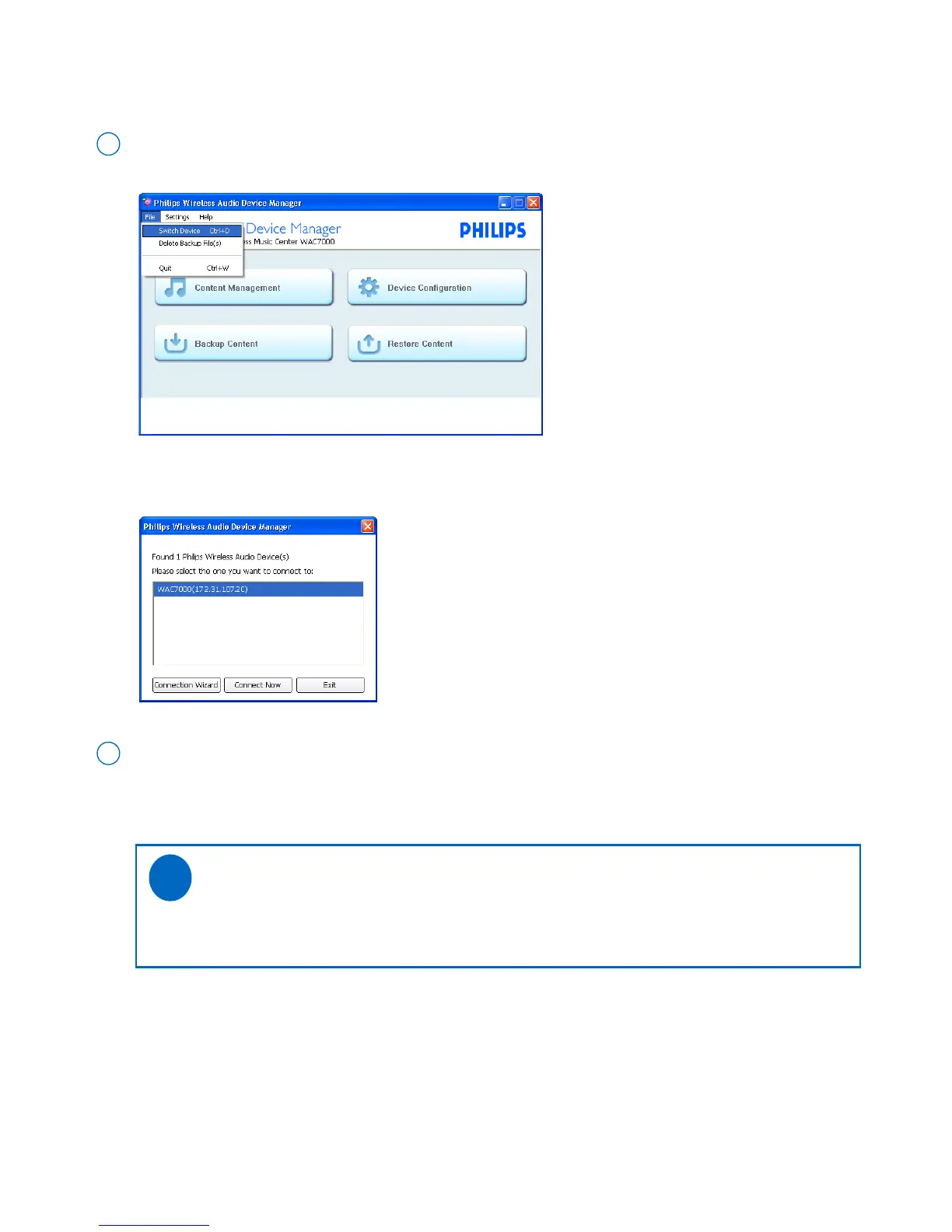
Without re-launching WADM, you can switch the PC connection from one device to another one.
On the Wireless Audio Device Manager main menu, go to the pull-down menu File ➜ Switch
Device. Click to select
1
➜
Your PC starts to search for connected Philips Wireless Music Center/Station
➜
The list of found devices in your PC’s network appears when the searching is completed
On the device list, select the device you wish to connect, and then click Connect now
2
➜
The device and your PC will be connected to the same network
➜
You will enter the Wireless Audio Device Manager main menu when the connection is established
Tips:
- If there is no desired device in the list above, see the manual Connect to your PC to build a
new connection.
✔



 To Next Page