WelcomeEye / Link
9
You can click on “NEXT” as soon as you see that the light on the intercom panel has turned
blue (ashing or not).
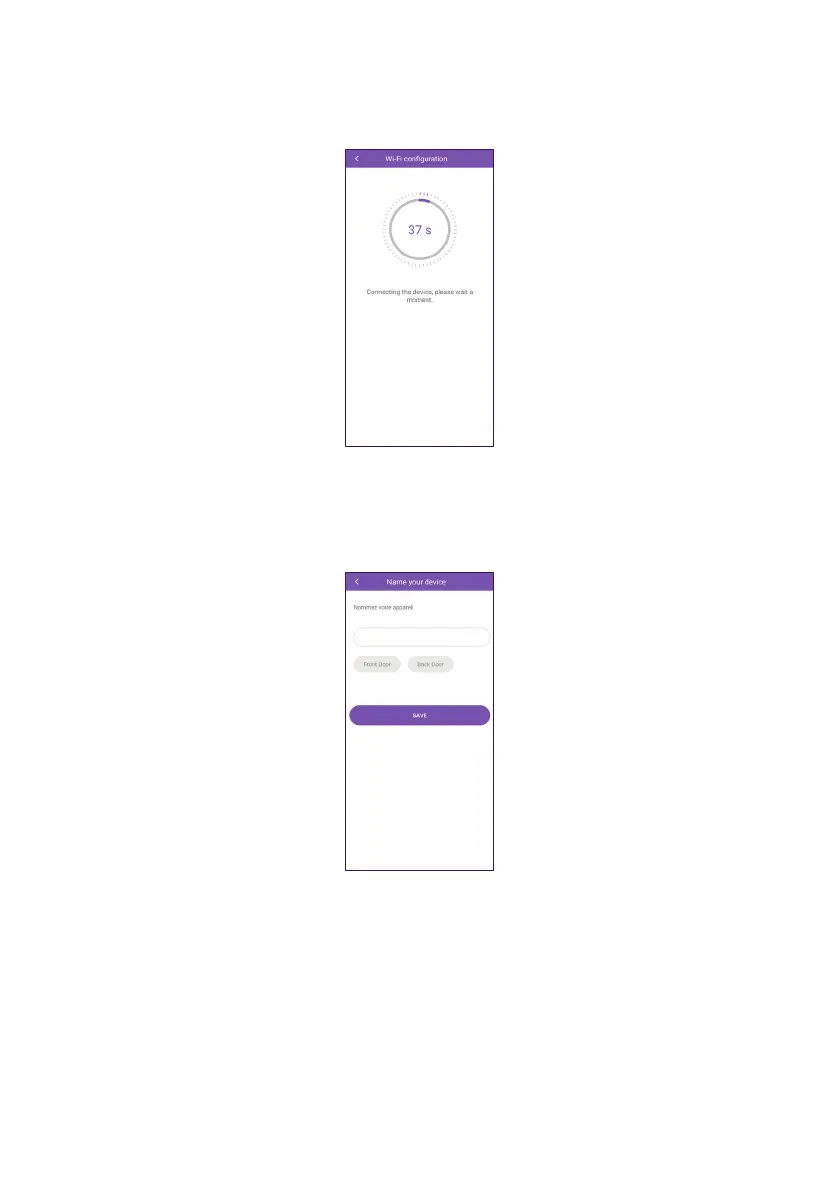
The app then searches the network for the intercom panel. Wait until it is found.
O. Once the app has found the intercom panel, you can name it however you like. Name
your product then click on “SAVE” to complete conguration.
Setup is complete and the application returns to the main page. Your intercom panel
appears under its customised name.












 To Next Page