WelcomeEye / Link
6
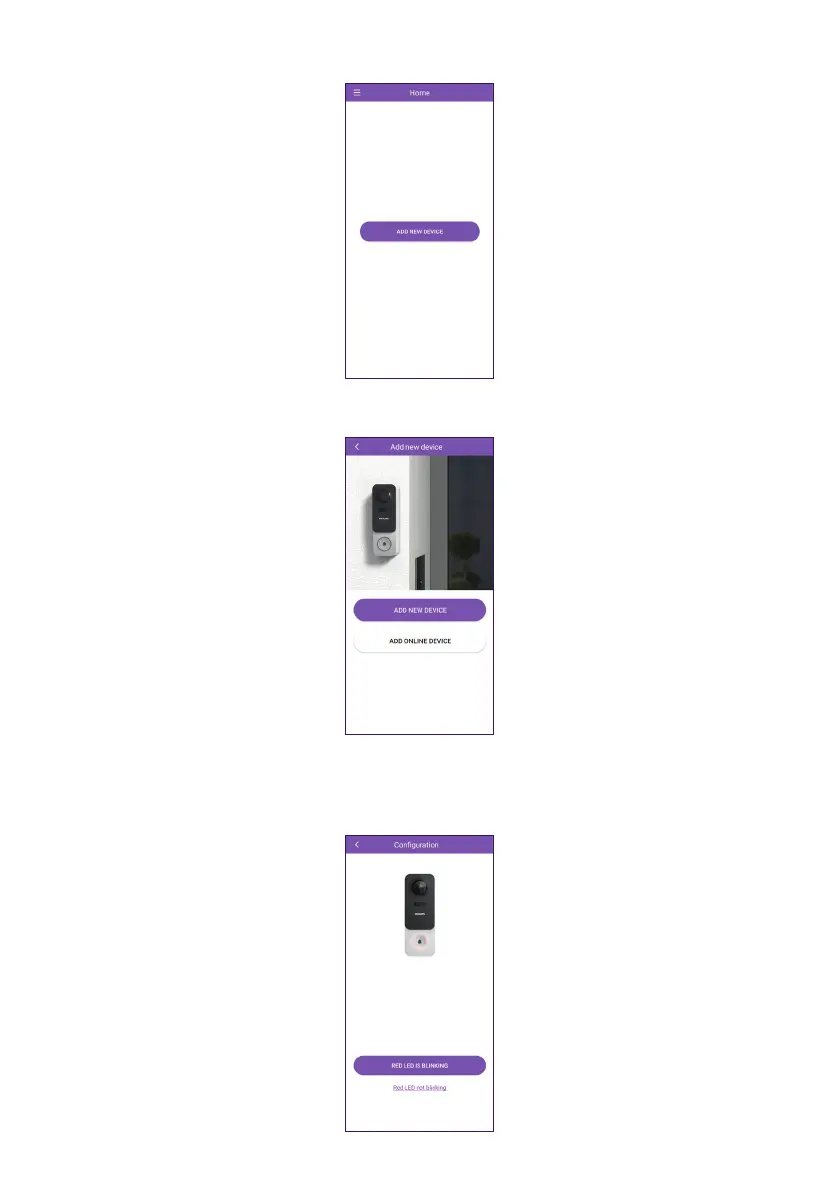
G. Click on “ADD NEW DEVICE”.
H. Then click on “ADD NEW DEVICE” unless your videophone is already connected to your
WiFi network.
I. At this point, your WelcomeEye Link should be ashing red. If this is not the case, hold
down the “Reset” button on the intercom panel until you hear a beep, or remove and
reinsert the battery. Click on “RED LED IS BLINKING” to conrm that the intercom panel is
waiting for conguration.













 To Next Page