CONTENT
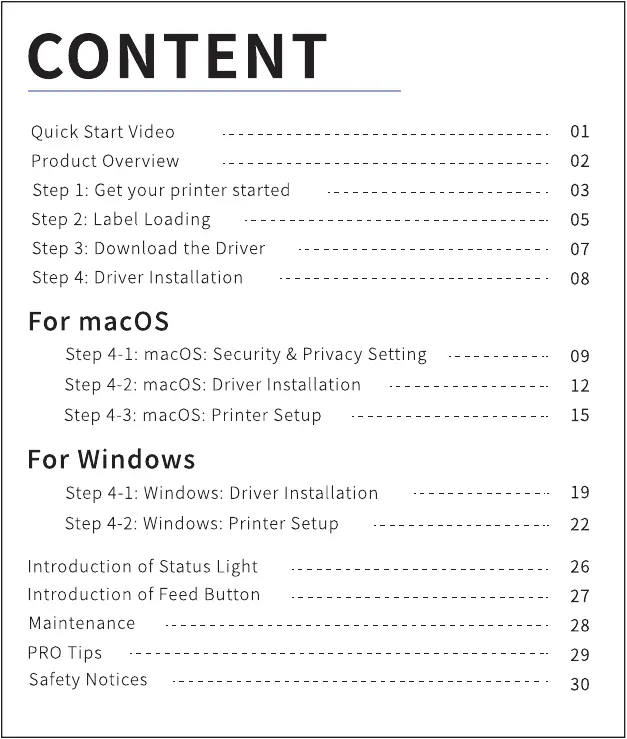
Quick Start Video
Product Overview
Step I: Get your printer started
Step 2: Label Loading
Step 3: Download the Driver
Step 4: Driver Installation
For macOS
Step 4-1: macOS: Security & Privacy Setting
Driver Installation
step 4-2: macOS:
Step 4-3: macOS: Printer Setup
For Windows
Step 4-1: Windows: Driver Installation
Step 4-2: Windows: Printer Setup
Introduction of Status Light
Introduction of Feed Button
Maintenance
PRO Tips
Safety Notices
01
02
03
05
07
08
09
12
15
19
22
26
27
28
29
30



 To Next Page