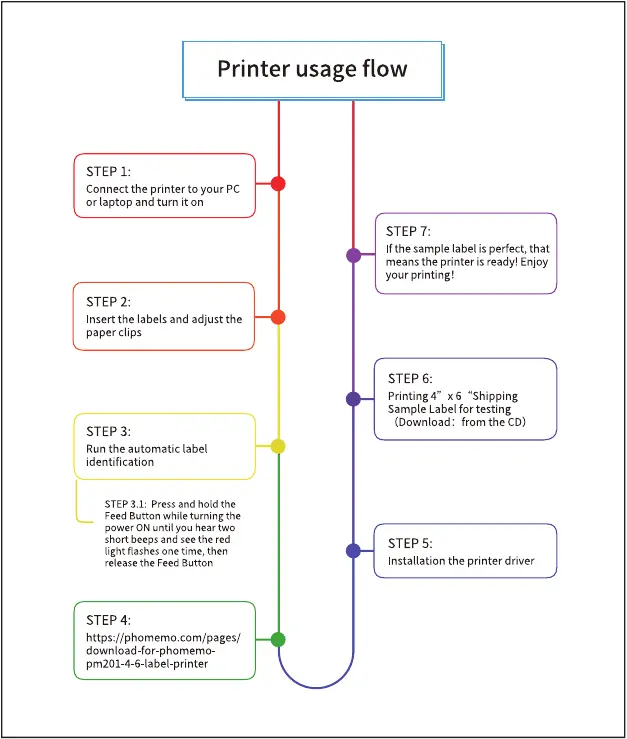
Printer usage flow
STEP 1:
Connect the printer to your PC
or laptop and turn it on
STEP 2:
nsert the labels and adjust the
paper clips
STEP 3:
Run the automatic label
identification
STEP 3.1: press and hold the
Feed Button while turning the
power ON until you heartwo
short beeps and seethe red
light flashes one time, then
release the Feed Button
STEP 4:
https://phomemo.com/pages/
download-for-phomemo
pm201-4-6-label-printer
STEP 7:
If the sample label isperfect, that
means the printer is ready! Enjoy
your printing!
STEP 6:
Printing4" x 6 "Shipping
Sample Label for testing
(Download: from the CD)
STEP 5:
nstallation the printer driver



 To Next Page