3
Installation instructions
Dynamic SoundField
V4.00/2011-09/visu’l/© Phonak AG/All rights reserved/page 3/7
The following tools are required for the
installation:
To mount the loudspeaker on the floor stand:
Hex wrench 5*
Hex wrench 6*
To mount the loudspeaker on the wall:
Drill with 5mm bit
Spirit level
Pencil
Torx screwdriver T20*
Hex wrench 5*
*included in the packaging
1. Selecting the right location
1) Identify an open and safe place, ideally in front of the class,
e. g. on the right or left side of the Smartboard or blackboard.
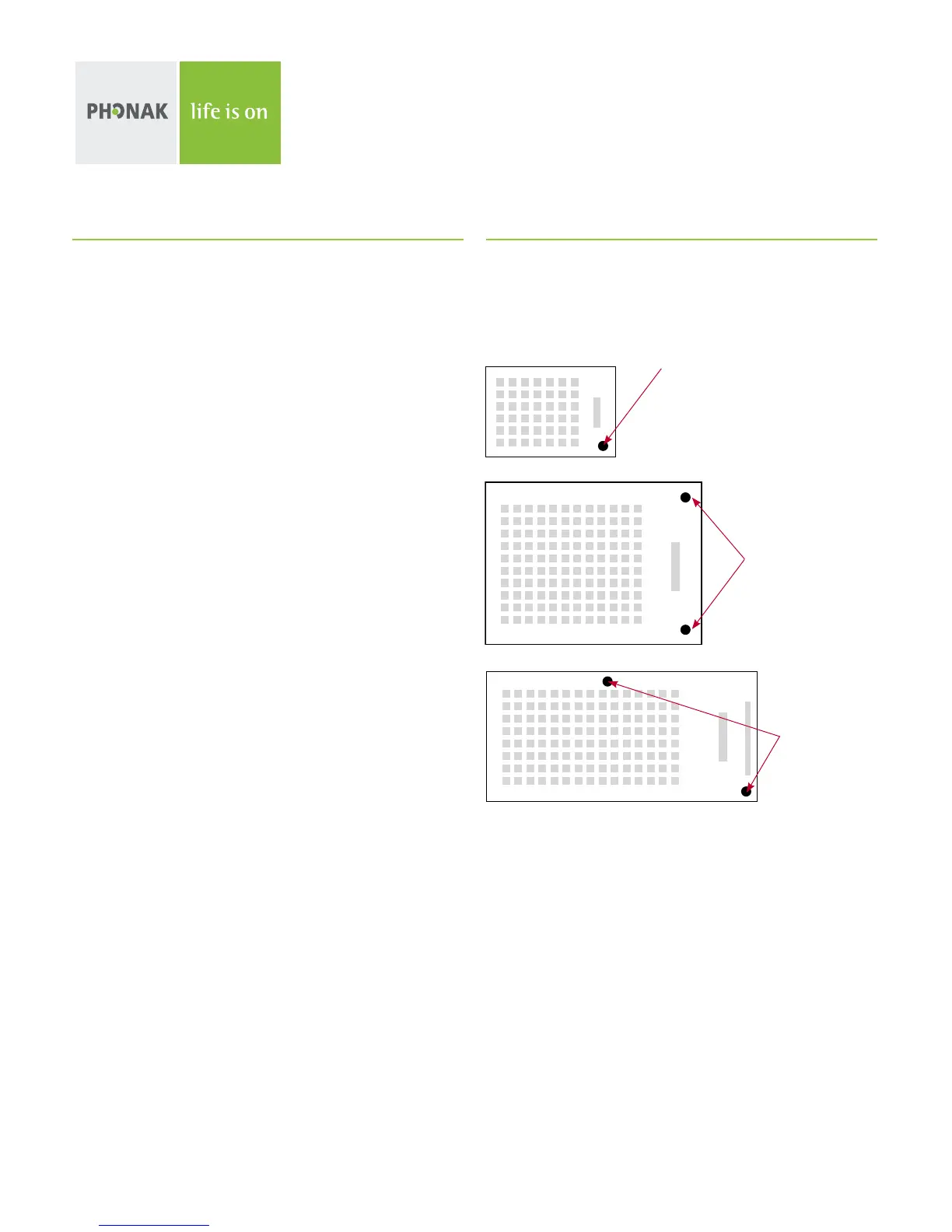
DigiMaster 5000
DigiMaster 7000
DigiMaster 7000


 To Next Page