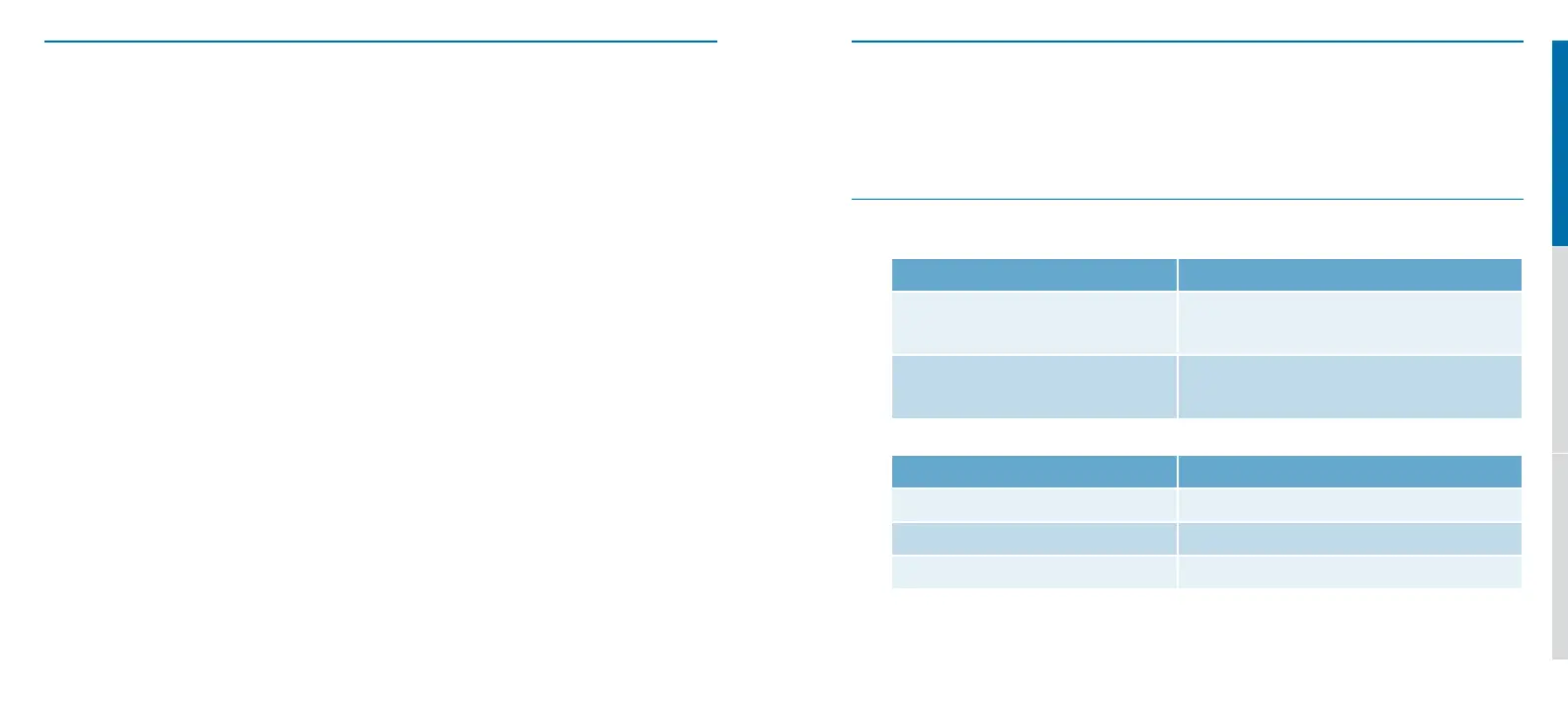
18 19
4 Spare parts
5 Technical Data
3 Troubleshooting
I cannot hear
u Check if the radio connector is attached correctly to the radio.
u Check the radio battery level.
u Check if the radio is muted or if the radio volume setting is too low.
u Change the Profilo Nano earpiece battery.
u Check if the quick-release safety disconnects are closed correctly.
u Check if no PTT button is pressed.
u Check if the radio connector is compatible with the radio used.
u If the volume control function is activated on the wireless PTT, increase the volume of the
Profilo Nano earpiece.
u Ask an authorized technician to verify that the radio parameters are programmed correctly.
I cannot be heard
u Check if the radio connector is attached correctly to the radio.
u Check the radio battery level.
u Press a PTT button.
u If the wireless PTT battery is low/empty, use the PTT button of the junction-box.
u The micro may be too far from the mouth. Adjust the neck-loop lengths.
u Check if the radio connector is compatible with the radio used.
u Ask an authorized technician to verify that the radio parameters are programmed correctly.
u There are several neck-loop lengths available as spare parts.
u For more information, please contact your local representative.
Prolo WL-wiring
Supply voltage External power required
(LV 3.3V – 10V DC) (HV 10V – 28V DC)
Power consumption Max. 30mA (~15mA stand-by) @ 5V
(dependant on power voltage)
Microphone (part of loop-box)
Type Omni-directional electret
Frequency response 100 Hz – 10 kHz
Sensitivity @1kHz (dB re 1V / 1PA) -34.0 +/- 3dB


 To Next Page