19
Connecting is only required the rst time you use
Roger NeckLoop. Roger NeckLoop will remain
connected with your microphone even after Roger
NeckLoop has been restarted.
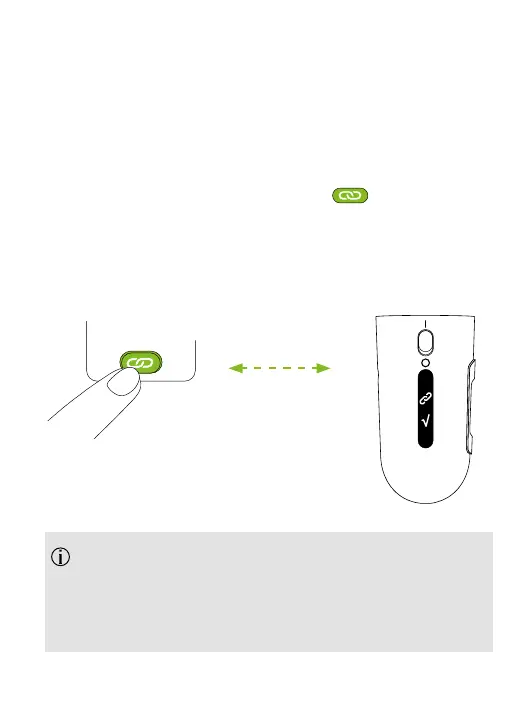
3. Hold Roger NeckLoop within 10 cm / 4 inches of your
Roger microphone.
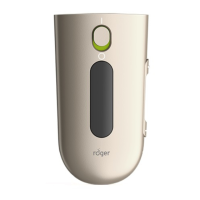
4. Press briey the ‘Connect‘ button on the Roger
microphone. See the user guide for your Roger
microphone.
Successful connection is indicated in the display.
Max 10 cm /
4 inches







 To Next Page