Page 5
2. Quick-Start Directions
Unpack the Photon Sound Beam Complete, and its accessories, and place them on
a sturdy surface, such as a hard table, or stable shelf. The glass plasma electrodes
are just that, glass, so please take care not to hit or drop them. It is recommended
that you use a low-lying table such as a coffee table over a carpeted area to
minimize potential damage to the tubes in case they are dropped. They are
somewhat sturdy, but they are still glass. Make sure to set up in a comfortable
space, with room for the various cords to run where they won’t be bunched
together or cause anyone to trip on them. If cords must cross each other (something
we do not recommend), please do so in a perpendicular fashion, to minimise
potential electronic interference. Please do not place cell phones, laptop computers,
or other electronics next to the device or the glass plasma electrodes.
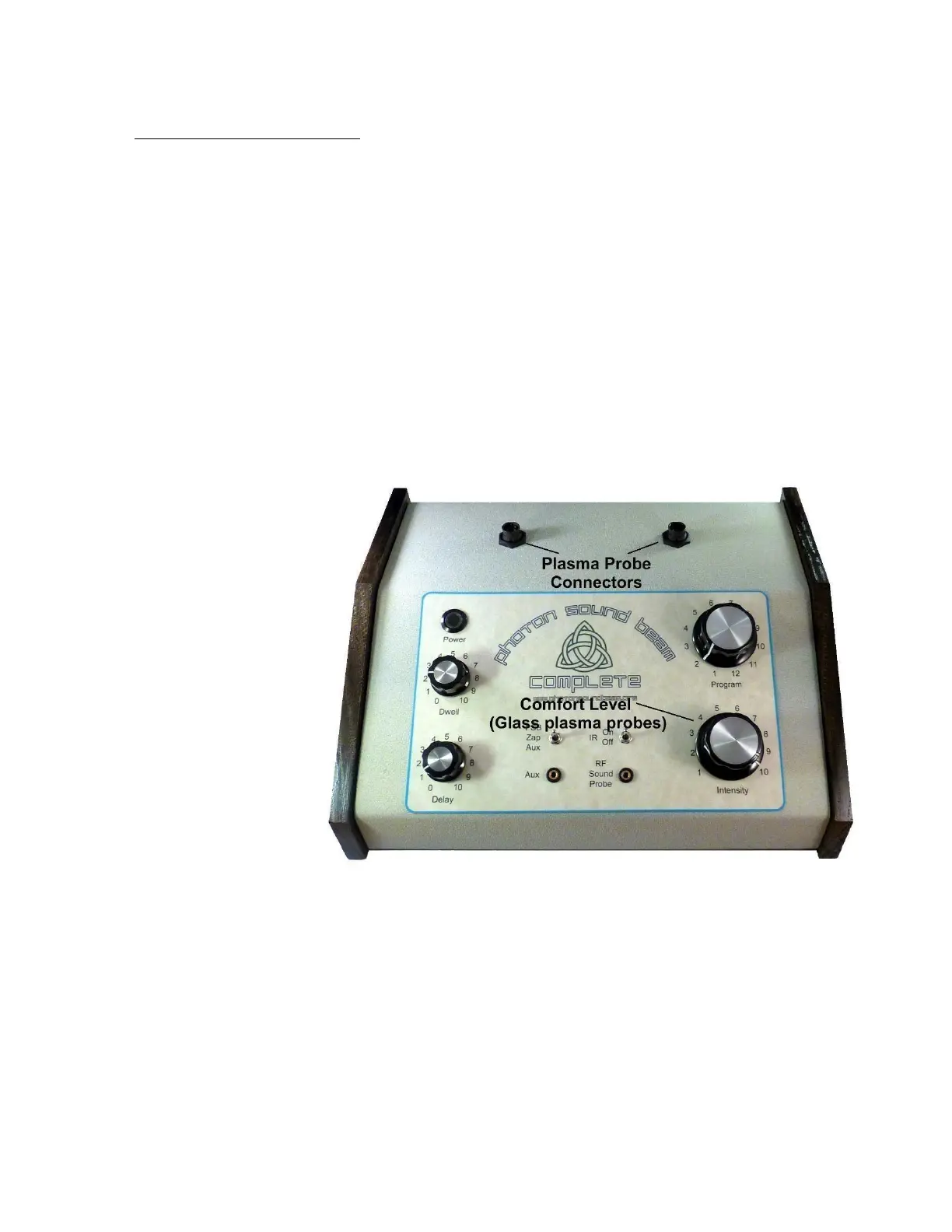
First, make sure the unit is switched OFF (the round “Power” button is a push-on,
push-off style: if the button is recessed in it’s housing, it is in the ON position;
depress it to turn it off), the power supply is unplugged from your wall or power
strip AC connection, and the Intensity knob is turned off (if the pointer on the knob
is set to below “1`”, it is off, otherwise turn it counter-clockwise until it clicks).
The power supply round plug gets inserted in the jack on the rear of the console, as
shown in the photo below.


 To Next Page