10
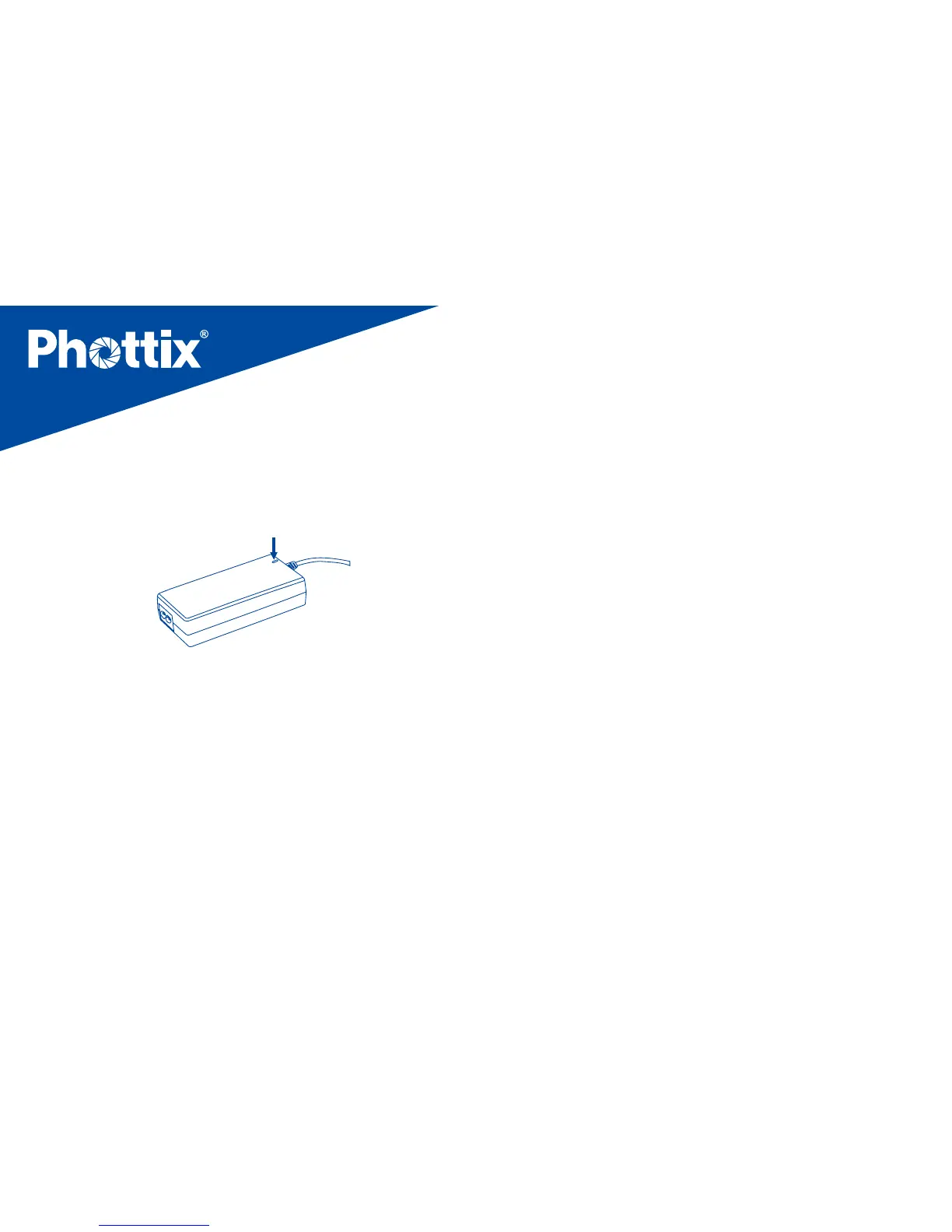
When charging, the charging indicator on the AC
Charging Unit will light red. It will turn green when fully
charged. (See picture 4)
Picture 4
To connect the ashes
A compatible Phottix flash power cord is required for
use with Canon, Nikon, Sony, and Phottix Mitros series
ashes as well as the Phottix Indra 500 TTL Studio Light.
The Phottix Indra Battery Pack can power a single ash or
two ashes at the same time.
Please turn o all switches on the Phottix Indra Battery
Pack and the ashes before connecting the ash power
cords.
To power a single ash
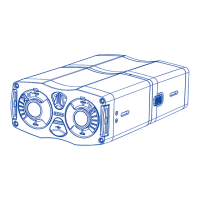
1. Align the plug of the ash power cord with the Battery
Pack output port. Make sure to use a compatible flash
power cord.
2. Slide the cable locking lever up and insert the cord into
the port until the lock engages with a click. (See picture 5)


 To Next Page