12
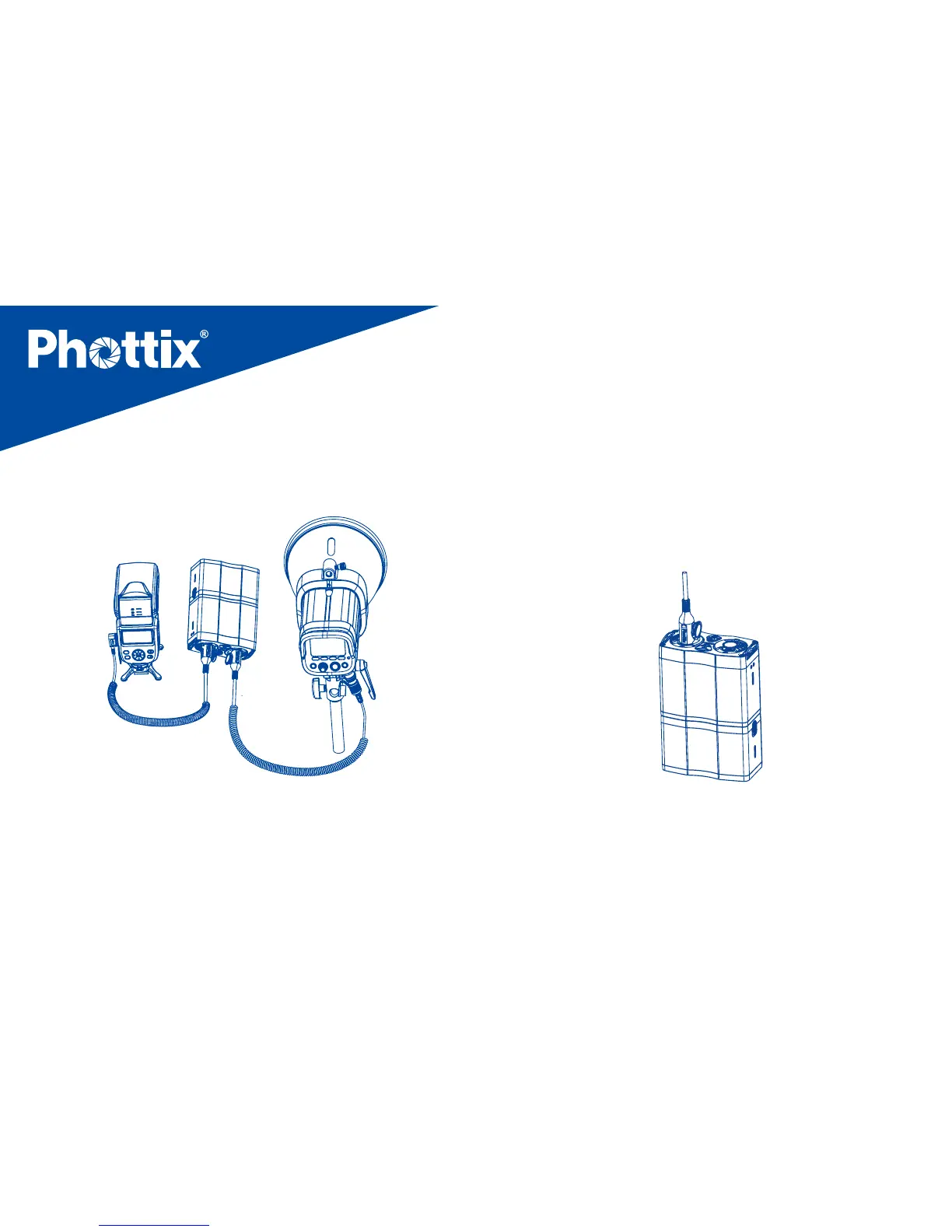
2. Insert the other end of the cords into the external
power ports on the ashes. (See picture 8)
Picture 8
To disconnect the ashes
1. Before disconnecting the flash, move the output
toggle switch to the “OFF” position. The output indicator
will go out after 2 seconds.
2. Slide the cable locking lever to the “UNLOCK” position
and pull the cable out of the output port. (See picture 9)
Picture 9
Using the Battery Pack
1. Install batteries in the flash properly (See picture 10)


 To Next Page