Quick Flash Function
The Quick Flash function allows the ash to re at 1/6 to 1/2 of the full output.
Quick Flash recycle times are faster. It helps for snap photography for near sub-
jects.
Quick ash can be used for continuous drive modes, quick ash for continuous
shot function can be enabled or disabled (see C.Fn-06 above).
Please note:
The Quick Flash Function makes ash ring a priority. Under-exposure could
result if the subject is located to far from the camera.
Auto Backlight
The backlight will light up for 8 seconds and then go o if no buttons are
pressed. When the auto backlight function is enabled, pressing any button will
light it up after it goes o. When the auto backlight function is set to “disable”,
pressing the mode button will light it up.
TTL Pref
TTL may vary slightly when using the ash on dierent cameras. TTL Pref (C.Fn-
15) setting allows users to adjust EV from +3 to -3 in 1/3rd stops to compensate
for these slight variations. This adjustment is a personal preference based on
camera standard TTL and will be stored in memory. When this EV level prefer-
ence is set, this compensation will be used for images taken in TTL mode. This EV
compensation will not be displayed on the LCD during regular use.
Memory Function
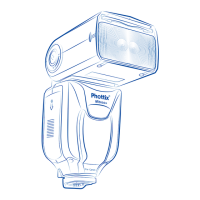
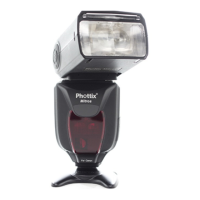
The Phottix Mitros+ Flash is equipped with a programmable Memory function.
Using the Memory Function allows ash parameters, data and custom functions
to be saved and quickly recalled for future use. Flash modes, wireless settings,
ash power – all the current programming of the ash will all be saved for later
use.
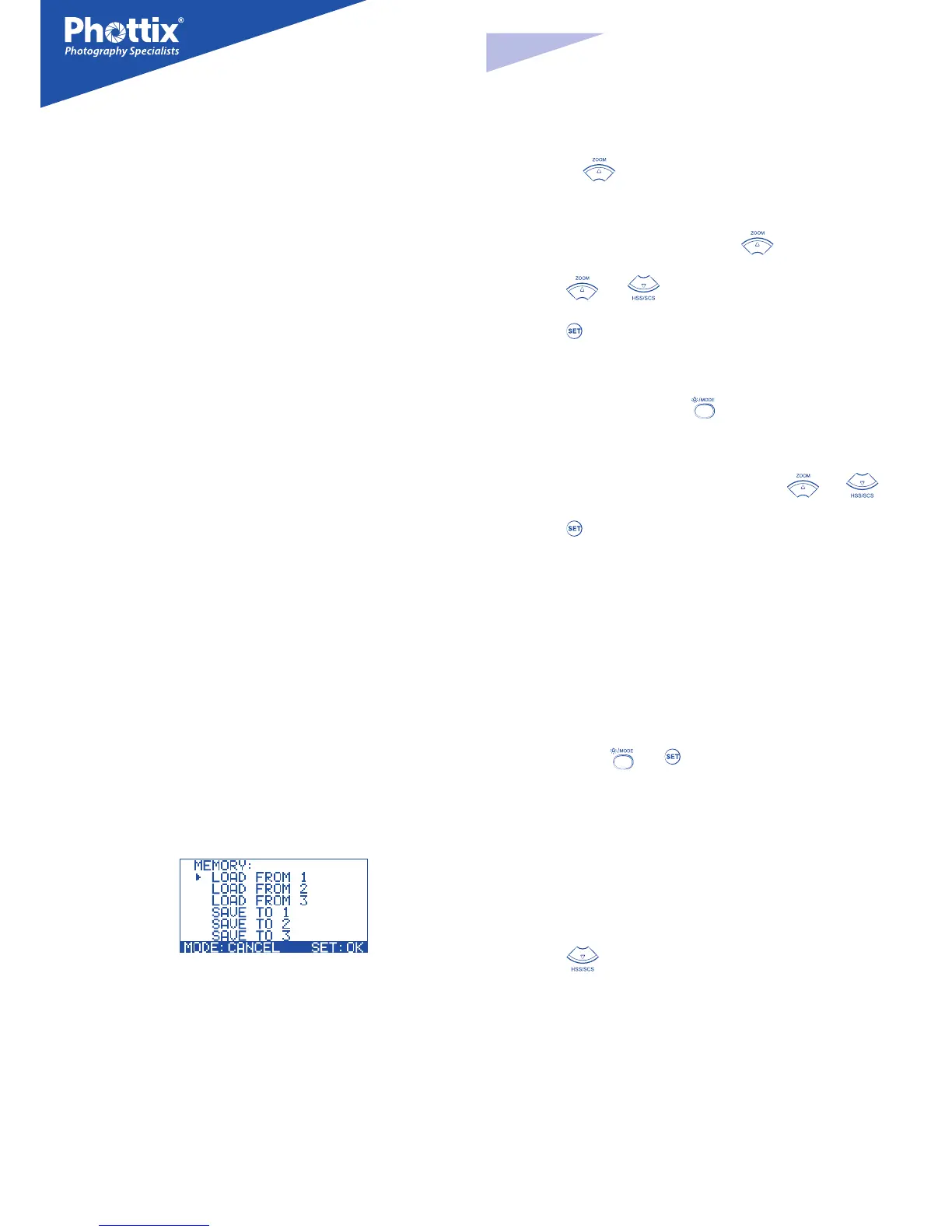
Memory Mode Screen
Menu:
Three saved data and three recall locations are available in Memory Mode:
SAVE TO 1
SAVE TO 2
SAVE TO 3
LOAD FROM 1
LOAD FROM 2
LOAD FROM 3
To enter Memory Mode
Press and hold
button to enter the Memory Mode.
To save data:
1. After setting ash data, press and hold the button to enter the
Memory mode.
2. Press the
and buttons to select a save location: SAVE TO 1,
SAVE TO 2 and SAVE TO 3.
3. Press the
button to conrm the location and save the data.
4. The LCD display will exit the Memory Mode screen and return to the last
used screen.
5. To cancel the save action, press the
button to exit the Memory Mode
screen and return to the last used screen.
To recall data:
1. After entering the Memory mode (see above), Press the and
buttons to select LOAD FROM 1, LOAD FROM 2. LOAD FROM 3.
2. Press the
button will recall the saved data from the selected location.
Please note:
After recalling saved data and exiting the memory mode, the recalled data
will be displayed on the screen. Flash setting used before recalling data will
be lost. To avoid losing data save current setting before recalling saved data.
Resetting to Factory Defaults
The Phottix Mitros+ Flash can reset to factory defaults.
To reset the ash:
1. Press and hold the and buttons for 3 seconds.
2. The ash will reset to factory default settings.
3. All custom functions will be reset to factory defaults.
Flash Information Display
For technical support or rmware upgrade checking the Phottix Mitros+ infor-
mation may be need. To display the hardware, software, icon library and serial
number display:
1. Press the
button as the ash is turned on.
2. Press any button to cancel this display and enter the LCD screen.
Changes to the Flash Capacitor:
If the ash is not used for some time physical changes will take place within the
ash’s capacitor. Make sure to turn on the ash a minimum of 10 minutes every
three months to prevent any physical changes.


 To Next Page
 Loading...