5
How to control the shuto valve
Via the app
You can turn o your water remotely by tapping the
Water Shuto Buton located in the bottom of the Phyn
applications’s menu. To turn your water back on, tap the
button again and wait for the status to read Water is On.
Manually, when the device isn’t powered
In the event of a power outage, the shuto valve will
remain in the same position it was in when power was
lost. If there is a need to turn the water o (or on) while
the device is not powered:
1 Remove the manual shuto valve tool from the
mounting bracket.
2 Locate the shuto valve access port on the
underside of the unit and remove its cover.
3 Use the tool to turn the shuto valve to the
“Close” position to turn o your water, or to
the “Open” position to turn on your water.
O
Water is o
On
From the device, when it is powered on
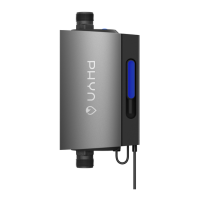
To engage the shuto valve from the device itself, locate
the Action button on the top of the unit and hold it down
until shuto is activated. The LED animation on the front
of the unit will show a stop to the fl ow of water
to indicate your water has been turned o .


 To Next Page