1.4 Symbols in the Display
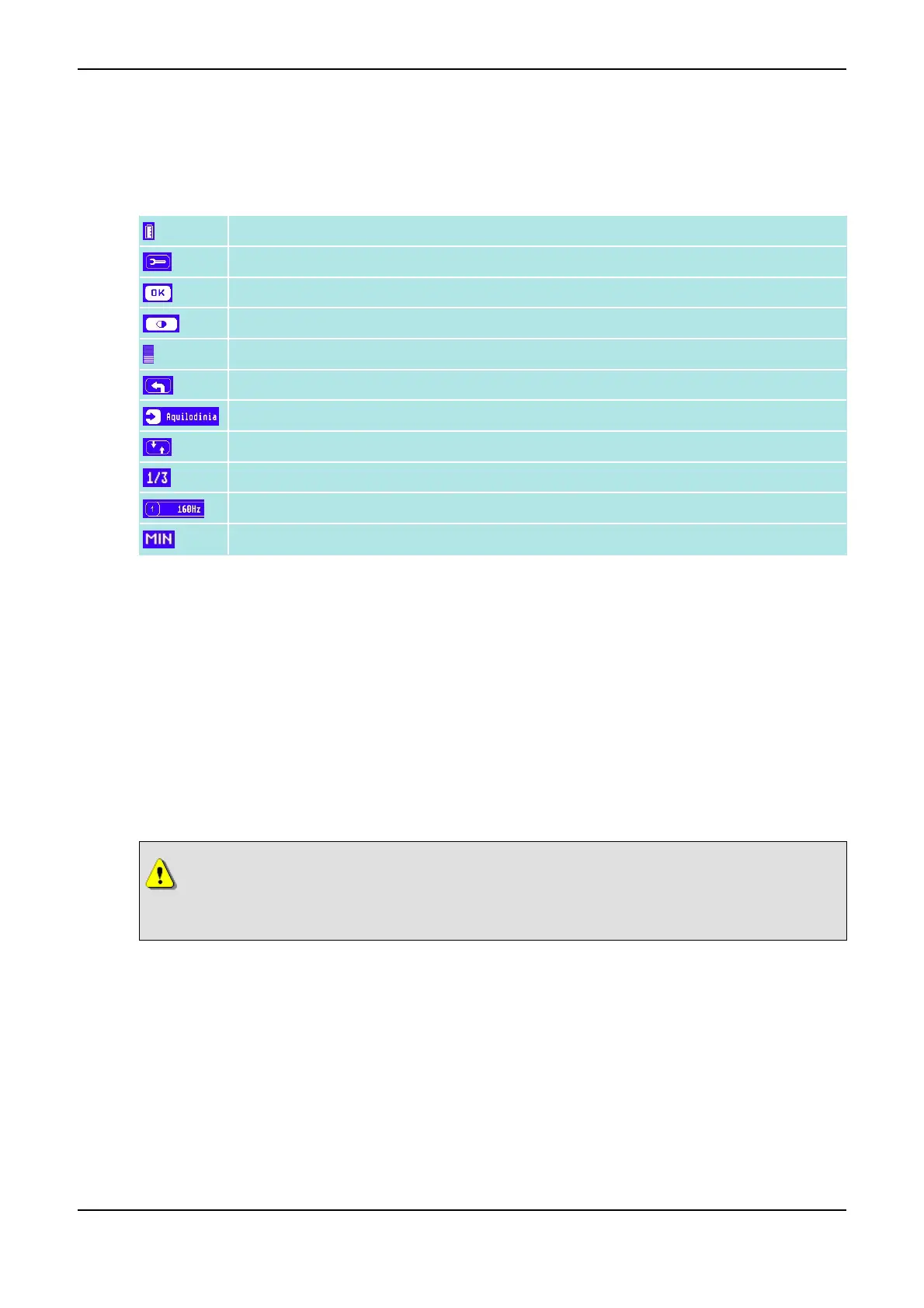
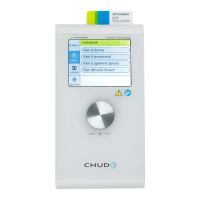
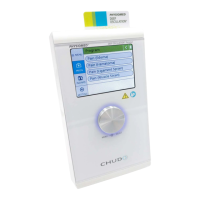
You find the following symbols in the Display <1>:
Battery Indicator (refer to Battery Operation on page 8)
Setup Menu (refer to Basic Settings on page 19)
Confirm Settings
Contrast of the Display <1> (refer to Basic Settings on page 19)
Bar View (Contrast, Intensity), here e.g. 50%
Button Back
Indications Menu
Page Selection for Information Pages
Position Marker, here: Page 1 of 3
Therapy Parameters (Therapy Time, Therapy Frequency, Therapy Phase)
Timer Symbol (to Adjust the Therapy Time)
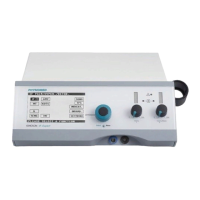
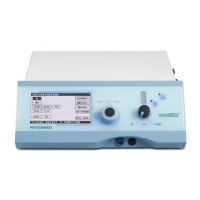
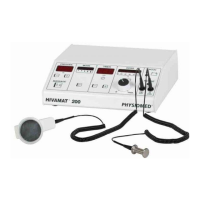
1.5 Instrument Description
DEEP OSCILLATION
®
Personal is a deep oscillation system which is successfully used in various areas of
medicine. For the individual areas, special chipcards are available.
DEEP OSCILLATION
®
Personal has two modes of operation:
• Treatment: In this mode, the instrument is separated from the mains. When the battery charger is
plugged in, the instrument cannot be switched on and treatment can not be continued. Connecting
the battery charger with the mains will reduce the instensity automatically to zero, treatment will be
interrupted, and the instrument will be switched off.
• Charging: While charging, treatment is not possible.
Caution
During the charging procedure, the patient must neither be connected with the titanium
neutral element, nor with the hand applicator!
1.6 Application
The function of DEEP OSCILLATION
®
Personal is based on a pulsed electrostatic field which is built up in
the patient's body region to be treated. Its frequency changes between 5 - 250 Hz, according to the selec-
ted indication. Due to the movement of the hand applicator, a vibrating or pumping effect with deep im-
pact is induced in the patient's tissue.
Treatment with DEEP OSCILLATION
®
Personal has the following positive effects on the treated tissue:
• trophic enhancement
1 Introduction PHYSIOMED ELEKTROMEDIZIN AG
4 DEEP OSCILLATION
®
Personal


 To Next Page