20
21
pico c instruction manual
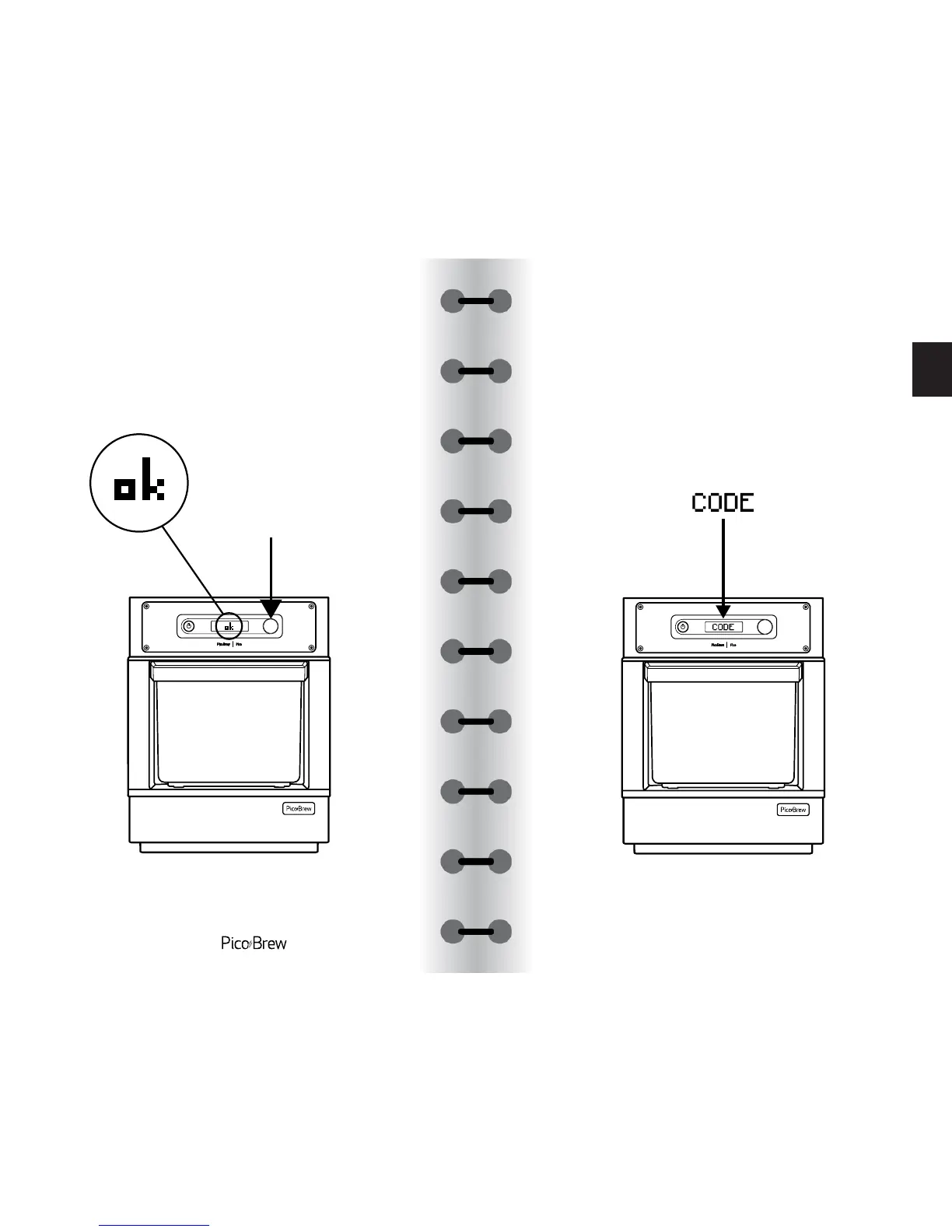
Connect to your home WiFi network by selecting it
with the Control Knob, then enter your WiFi password.
Once you enter your password, select the OK icon.
₃
Once connected, note the registration code
displayed on screen.
Go to: www.picobrew.com/newpico Sign in to
your account or create an account if you do not
already have one, and enter the registration code
displayed on your Pico.
₄
unboxing setup
first
rinse
let's
brew
after
brewing
ferment
your beer
dry
hopping
rack &
carbonate
serving
usage &
care
sous vide glossary


 To Next Page