18
BIP-7000 Manual
Learning Basics
ö In order to prevent damage of battery power,
the modem is switched off automatically. Please
charge the battery.
ö The continuous talk time and standby time are
measured under the actual environment, but
may vary depending on the usage type.
<$IBSHJOHTUBUVTJOEJDBUJPO>
ö The charging indication lamp on the desktop
charger and the terminal are switched to green
when charging is finished. The battery will not
be damaged if charging is continued.
ö The time required for charging is depending on
the charging status. If the charging time gets
shorter by half, you need to purchase a new
battery.
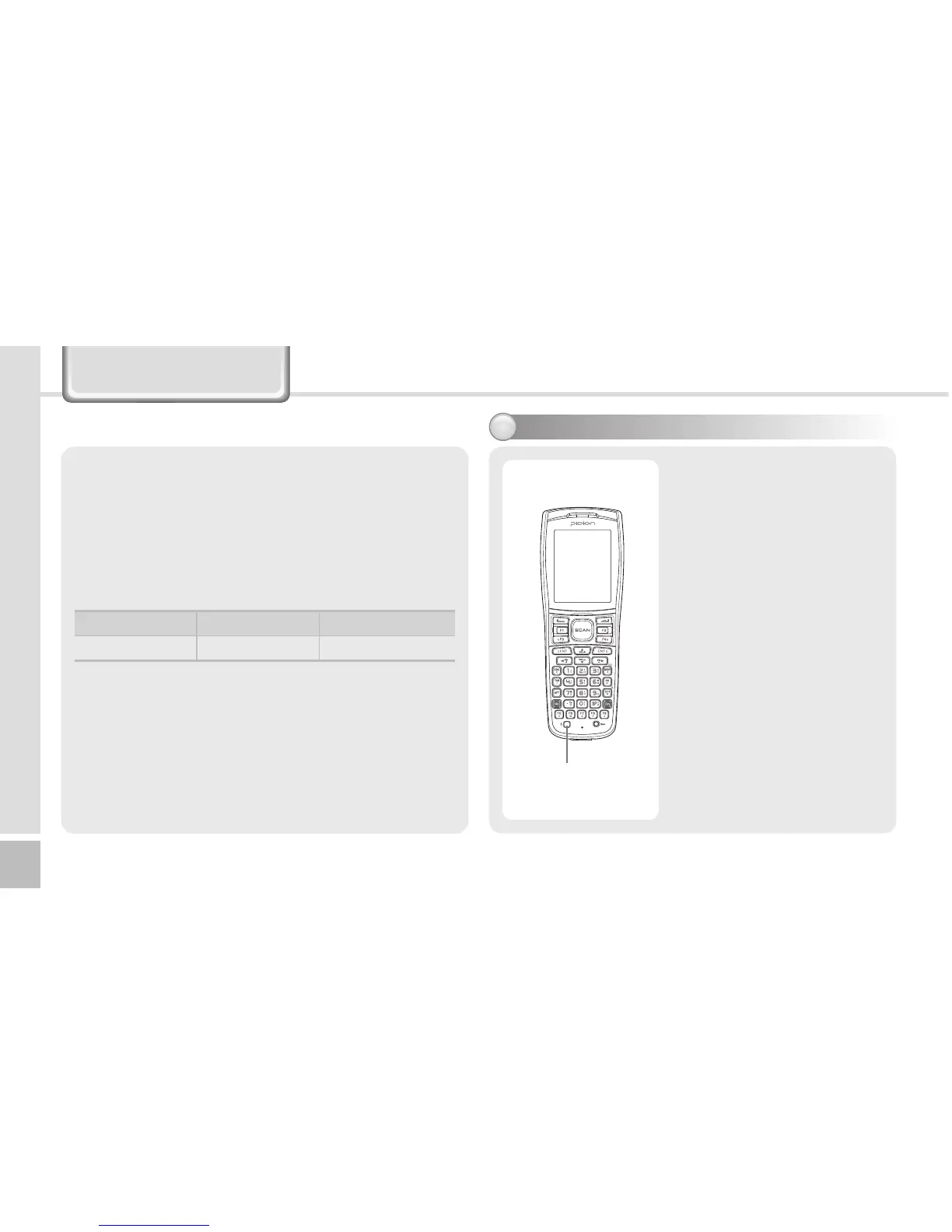
4XJUDIJOH0O0GGQPXFS
The [Power] button is
located on the right side
of the product.
The [Power] button
should be pressed shortly.
If the [Power] button is
pushed for more than 3
seconds, the LCD Back
Light will turn On/Off.
Even when the power is
turned off, if the GSM
modem is turned on the
PDA will also power on
automatically so you can
answer the phone.
Power Button
In charging Chargingnished
Charging lamp Red Green


 To Next Page
 Loading...