20
BIP-7000 Manual
Learning Basics
6TJOHTUZMVTQFO
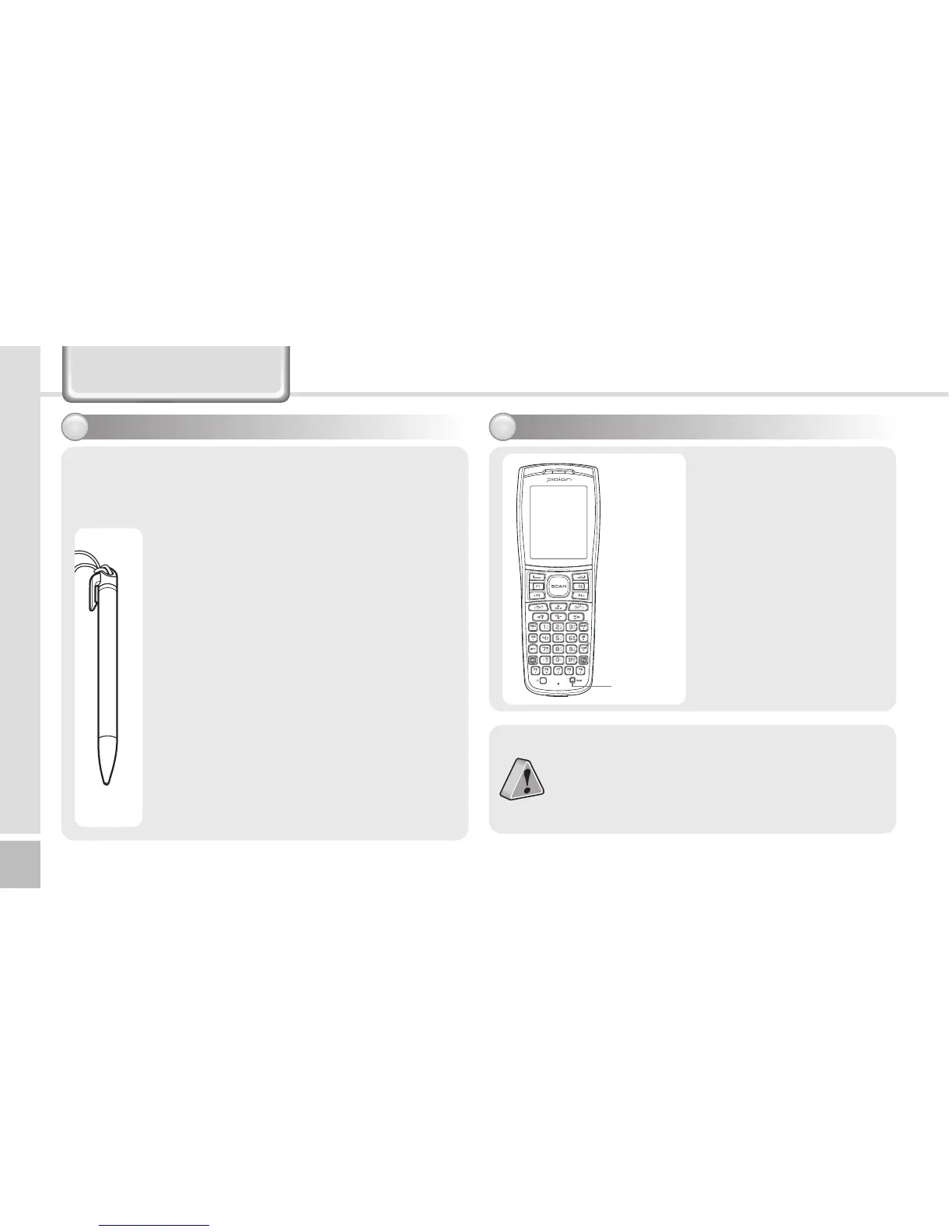
Use a stylus pen to select/execute/move a target
on the screen. The stylus pen is attached in the top
right of the terminal.
5BQ
You can touch icons on the screen with
the stylus pen to select or execute the
icon as you click the left mouse button.
%SBH
Used to select multiple items. You can
select characters or images as you drag
the mouse pointer.
5BQ B OE ) PM E
Used to view the functions of the
selected item. If you tap and hold with
the stylus pen, a menu pops up as you
select an item and click the right mouse
button.
3FTFUUJOHUFSNJOBM
Press the [Reset] button
on the front of the
terminal slightly with
the stylus pen.
If there is a collision between programs or
a program is stopped due to an unexpected
situation, you may use the soft reset function.
It is like rebooting a computer. Any
information that is not saved is lost.
Reset
button


 To Next Page
 Loading...