BIP-7000
25
1
The terminal with the computer through the
<20pin USB cable>.
Please do not use both <20pin USB cable> and
<Mini USB cable> at the same time. It might
cause the failure.
The screenshots are for the [Windows Mobile]
version. The images may vary depending on
the version of the software.
You must connect the terminal to PC or
notebook first to use [MicroSoft ActiveSync].
You can copy/paste files, or install/uninstall
programs through synchronization with the
terminal.
USB cables are sold separately. Please contact
the Customer Care Center if you wish to buy
one.
6TJOH"DUJWF4ZOD
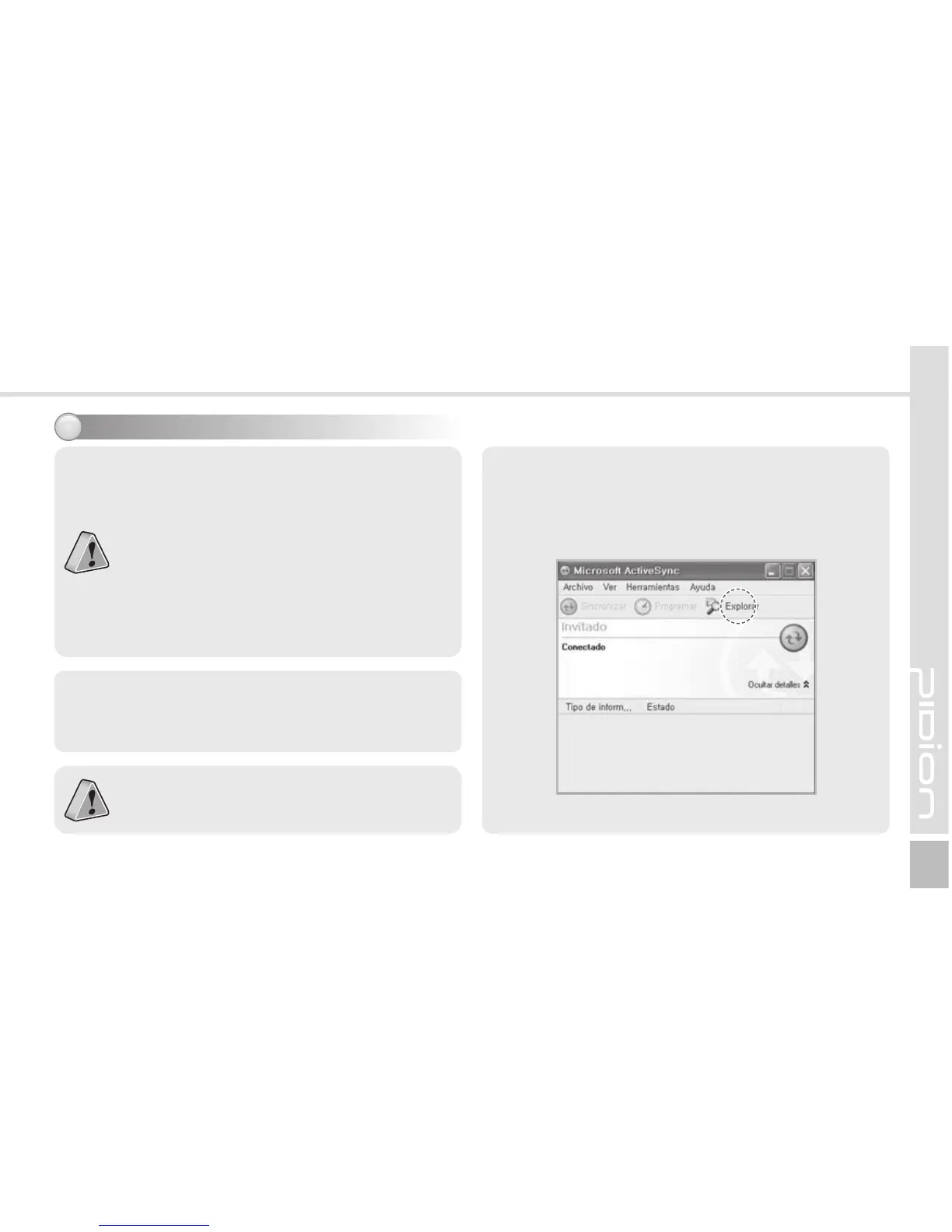
2 When the terminal is connected with the
computer successfully, the [Microsoft ActiveSync]
program is started automatically. Click the
[Search] button.


 To Next Page
 Loading...