26
BIP-7000 Manual
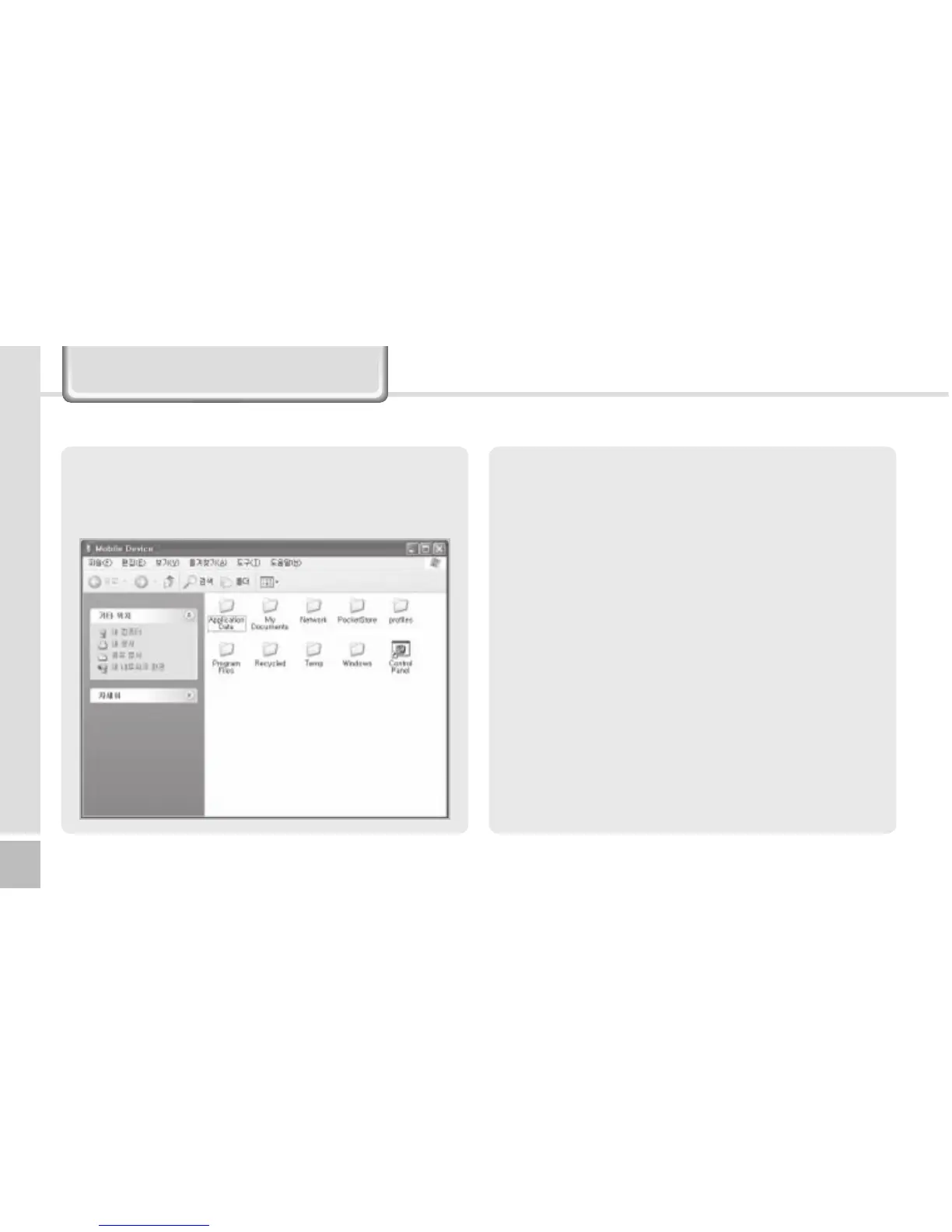
3 The <Mobile Devices> folder shows the image,
music or document folders in the terminal. You
can save the files in the computer.
Connecting ActiveSync
<1SFDBVUJPOTJOVTJOH"DUJWF4ZOD>
The message “Unknown Device” pops up after the
computer detects the USB device
This message may be displayed when you switch
on the terminal as it is mounted on the <20pin USB
cable>. If you dismount the terminal and then mount
it back to the <20pin USB cable>, the ActiveSync
program works properly.
The message “Connecting…” continues
Dismount the terminal from the <20pin USB cable>
to disconnect it from the computer.
On [ActiveSync], select File
Ķ
Set Connection
Ķ
<Allow USB Connection>, and then, click [OK]
button. Connect the terminal again.
If connection attempts continue to fail and the
message “Unknown Hardware Device” pos up
Abnormal status of the USB host in the computer
may result in connection fail.


 To Next Page
 Loading...