48
BIP-7000 Manual
Settings
It scans the surrounding
Bluetooth device and conducts
pairing.
Bluetooth Setup Method
1 On touching the [Add new device...], it will scan
the surrounding Bluetooth device.
2 Select the device to connect and press [Next].
3 Input the pass key to setup for a secured
connection and then choose [Next]. (Check the
relevant device manuals, as the pass key for each
device is different.)
#MVFUPPUI
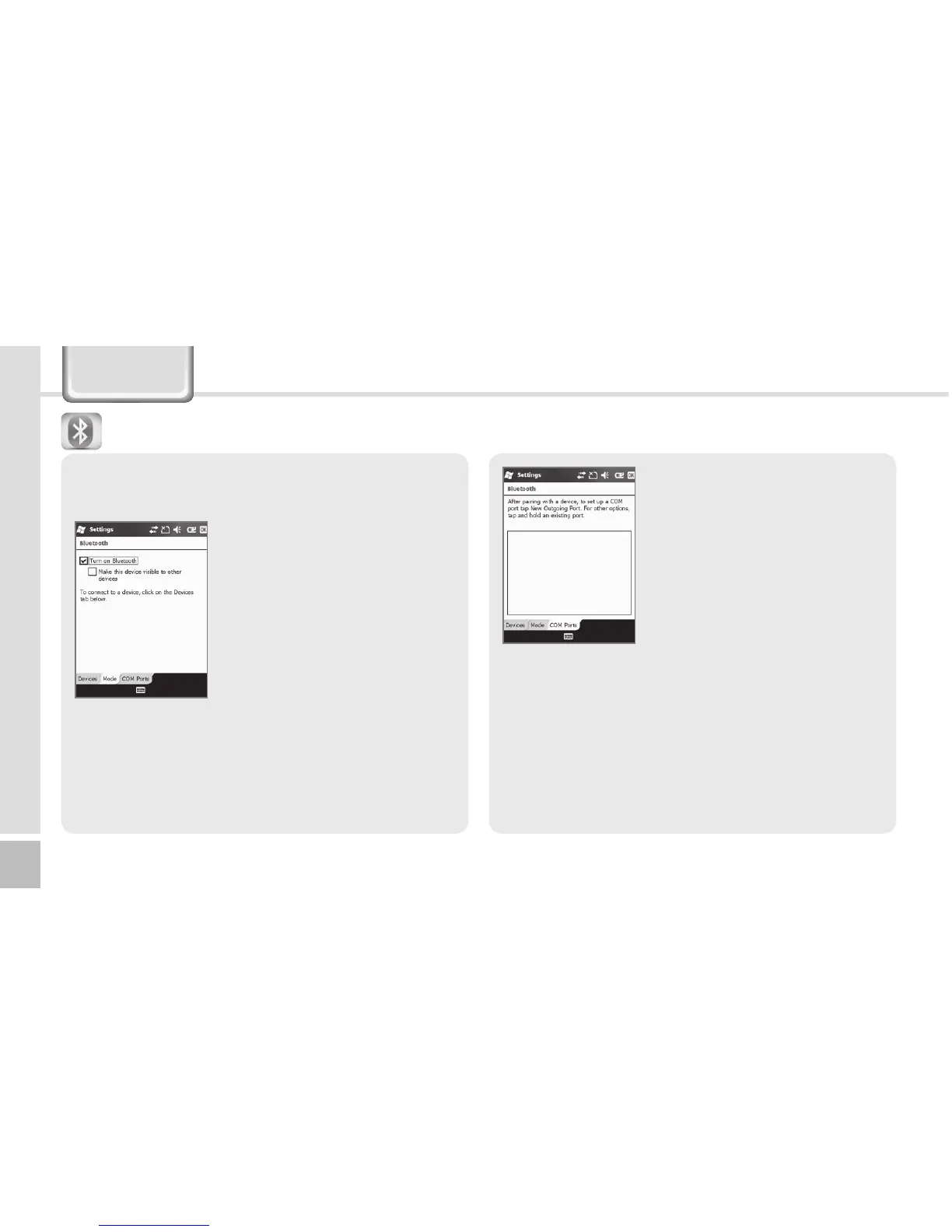
Make this device visible to other devices
This enables the search of BIP-7000 from other
devices.
Setup for the communication of Bluetooth
equipment.
Start Ķ Settings
Ķ
Bluetooth
Turn on Bluetooth
Setup as Use/Non-use.
(The removal of this function
when not in use may prolong
the life of the battery.)



 To Next Page