BIP-7000
49
4 Check the indicated name and see whether
the connecting operation is correct. Then select
[End].
5 The process has been successfully completed
when the model no. and icon of the product
appears on the screen.
The pairing method may be different for each
Bluetooth device. Please check the manual.
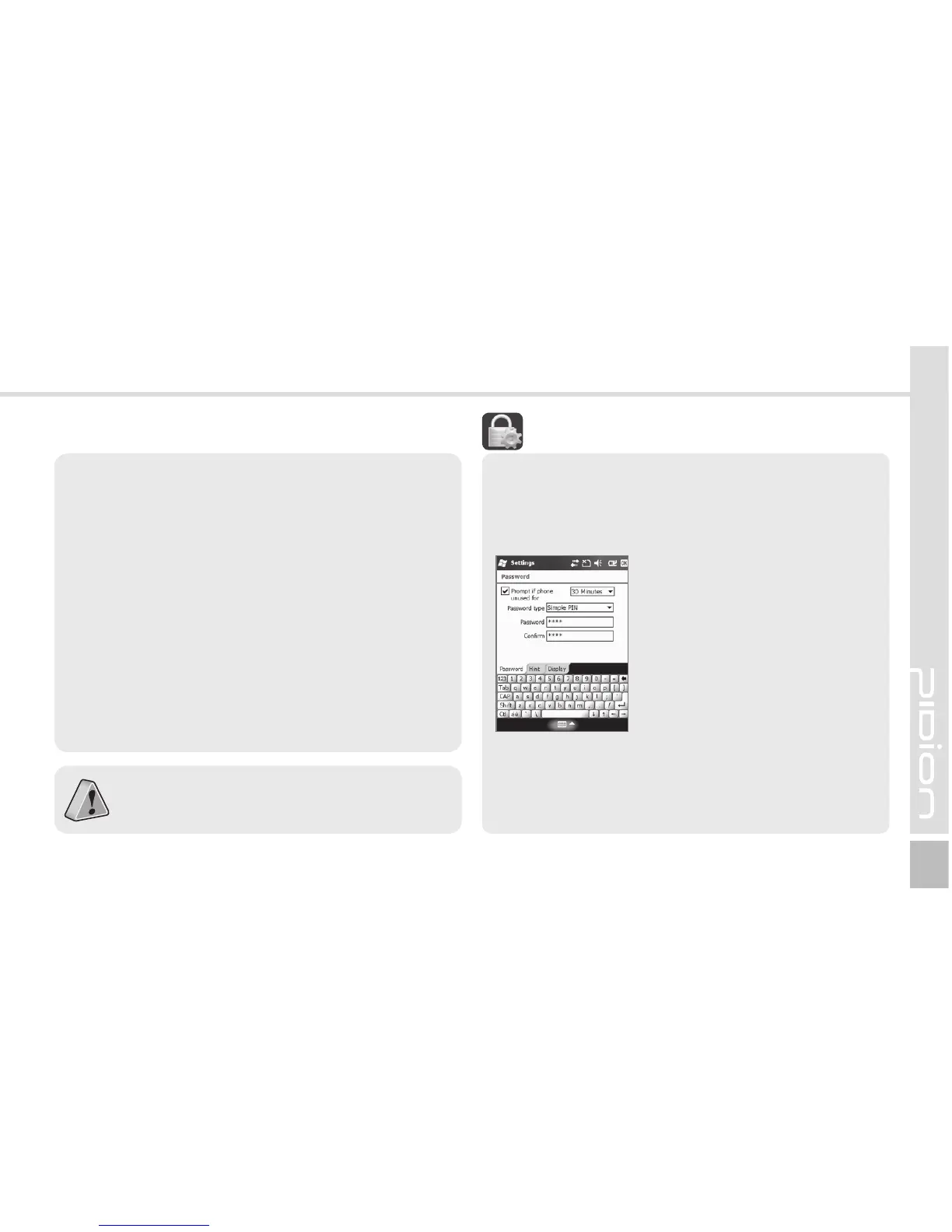
Password
Use this function to protect data by setting the
terminal to request password every time it is
switched on.
Start
Ķ
Settings
Ķ
Lock
Enter the password in the
Password field, and enter it
again for confirmation.
Select [Prompt if device unused
for], and enter time.
The password should be 4 ~ 8 digits, and repeated
numbers (e.g., [1111]) or sequential numbers (e.g.,
[1234]) is not allowed.
-PDL



 To Next Page