50
BIP-7000 Manual
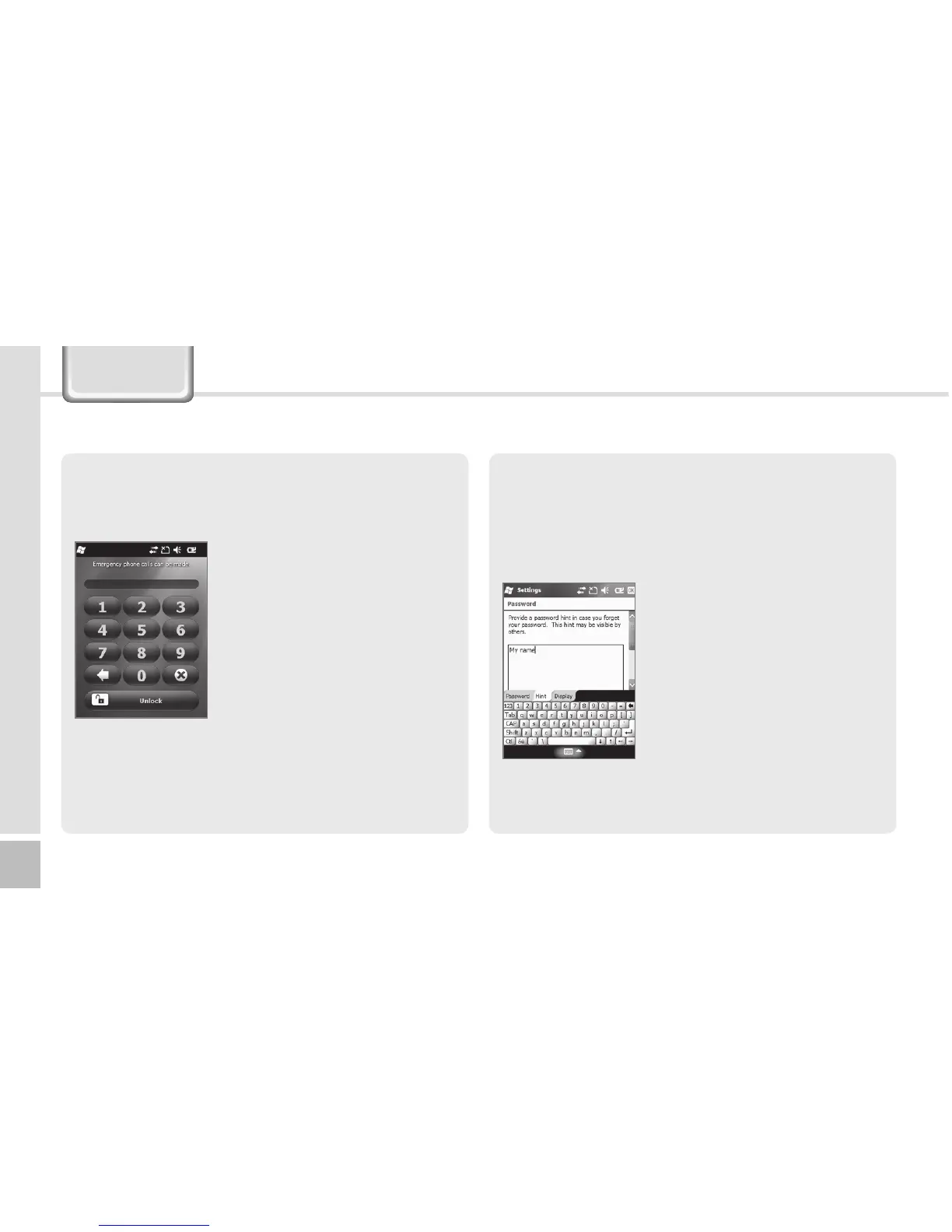
If [Prompt if device unused for] is selected, if the
terminal is left unused for the designated time, the
following window pops up.
Enter the password, and select
[Unlock] in the bottom of the
screen.
Hint
Enter the words which will help you remembering
your password.
A [Hint] window pops up if you fail to enter the
correct password for 4 consecutive times.
Settings



 To Next Page