54
BIP-7000 Manual
Settings
Start
Ķ
Settings
Ķ
Personal
Ķ
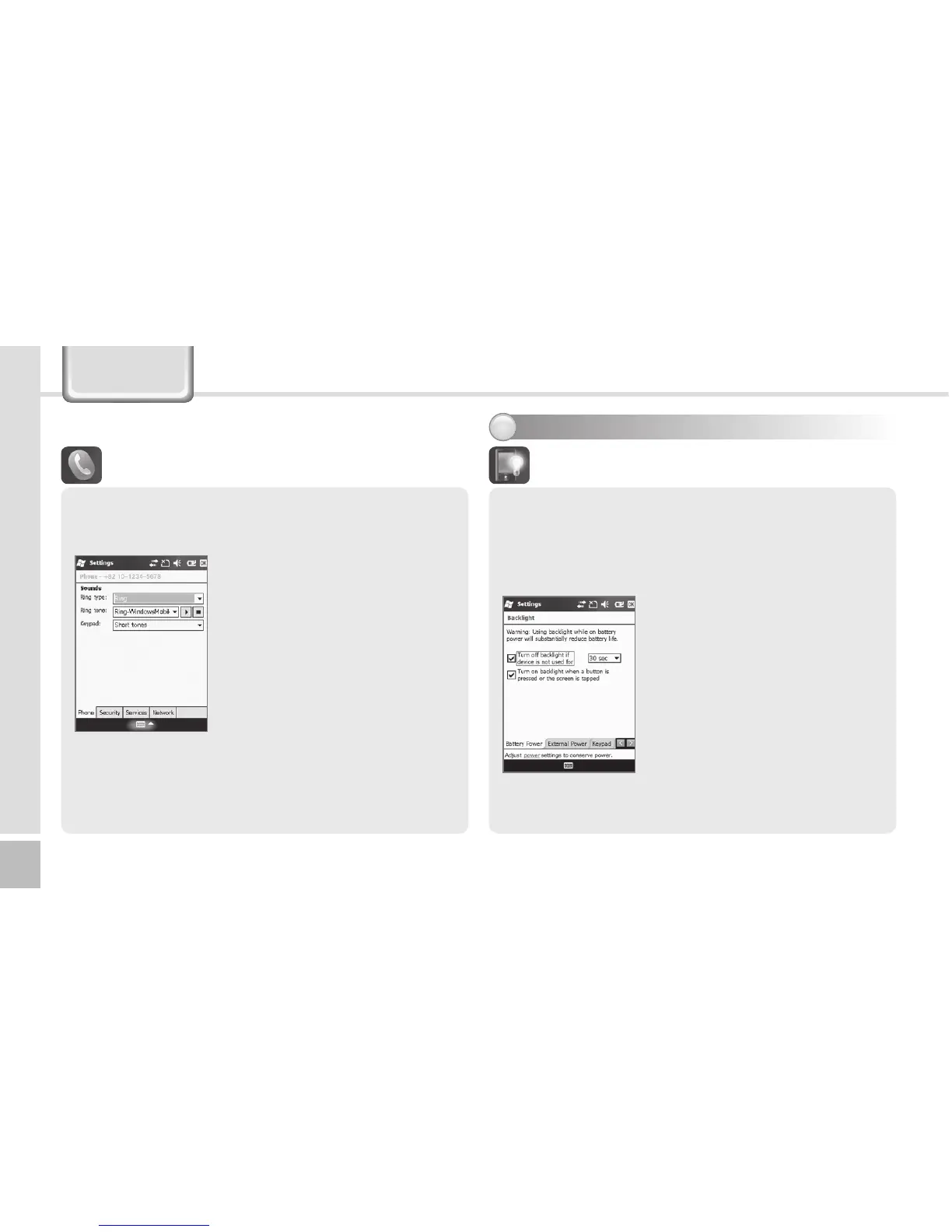
Phone
Ring type : You can select Ring
/ Increasing ring / Ring once
/ Vibrate / Vibrate and ring /
Vibrate then ring / None.
Ring tone : You can select a
bell.
Keypad : You can set the
keypad tone from Long tones /
Short tones / Off.
1IPOF
Phone
You can select/deselect sound of the terminal.
4FUUJOHTZTUFNFOWJSPONFOU
Battery Power / External Power
You can set the LED Off time after which the LED
should be turned off automatically if no key action
has been made.
Start
Ķ
Settings
Ķ
System
Ķ
Backlight
The shorter the LED Off time,
the battery life extends longer.
The LED is turned on when you
press any button or touch the
screen.
#BDLMJHIU


 To Next Page
 Loading...