BIP-7000
55
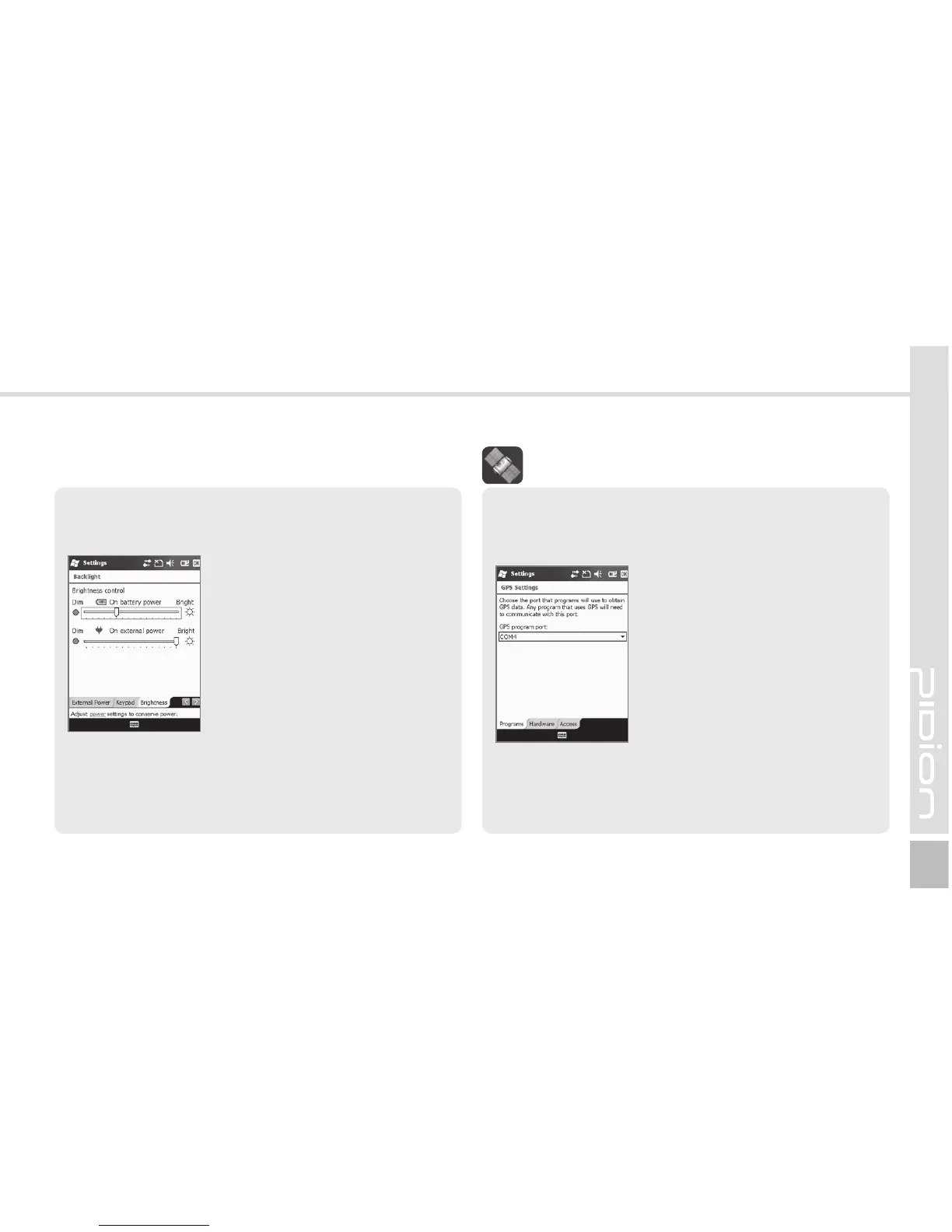
Program
Select the port to be used by the program to
import the GPS data.
Start
Ķ
Settings
Ķ
System
Ķ
External GPS
All the programs which use
GPS can communicate through
this port.
Hardware
Designate the hardware port
with which the GPS device is to
be connected.
Access
If you select [Manage GPS automatically], GPS data
from multiple programs can be imported at the
same time.
&YUFSOBM(14
Brightness
You can control brightness by moving the slider bar.
Start
Ķ
Settings
Ķ
System
Ķ
Backlight
Ķ
Brightness
The nearer to [Dim], the longer
the battery life extends.



 To Next Page