D. Other operations
Local shortcut keys:
① Coercive alarm: when the passcode or fingerprint dedicated to the
coercive alarm is used to unlock the device, the message receiver will be
informed of the danger encountered by the user, and the information will
be reported in the APP. (Setting path: APP setting - coercive setting -
coercive object and acceptor setting - successful saving)
② Prying-resistant alarm: When the device is damaged and the anti-
disassembly key is loose, the alarm will be triggered to sound as long as
180s and the information will be reported in the APP.
③ Low voltage warning: when the power is low, the warning message will
be broadcast. Please replace the battery in time.
④ Alarm clearing method: verify the registered passcode or fingerprint to
clear alarms.
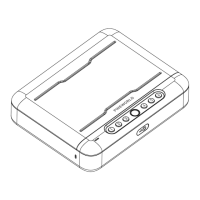
① Check the version: hold down key No.1
② Mute mode: hold down Key No. 2 to support mute/unmute adjustment.
③ Fast pairing: hold down Key No. 3 to bind in the smart APP (FC
Smarthome).
④ Remotely unlock: hold down Key No. 4 (used only when paired).
⑤ Change the passcode: hold down Key No.5 (Only support the passcode
change.).
⑥ Add users: hold down Key No. 6.
⑦ Delete users: hold down Key No. 6, and after verifying the administrator
hold down 6 again.
⑧ Factory Reset: long-press setting button for 3 seconds (need to verify
administrator)
Local alarm and others:
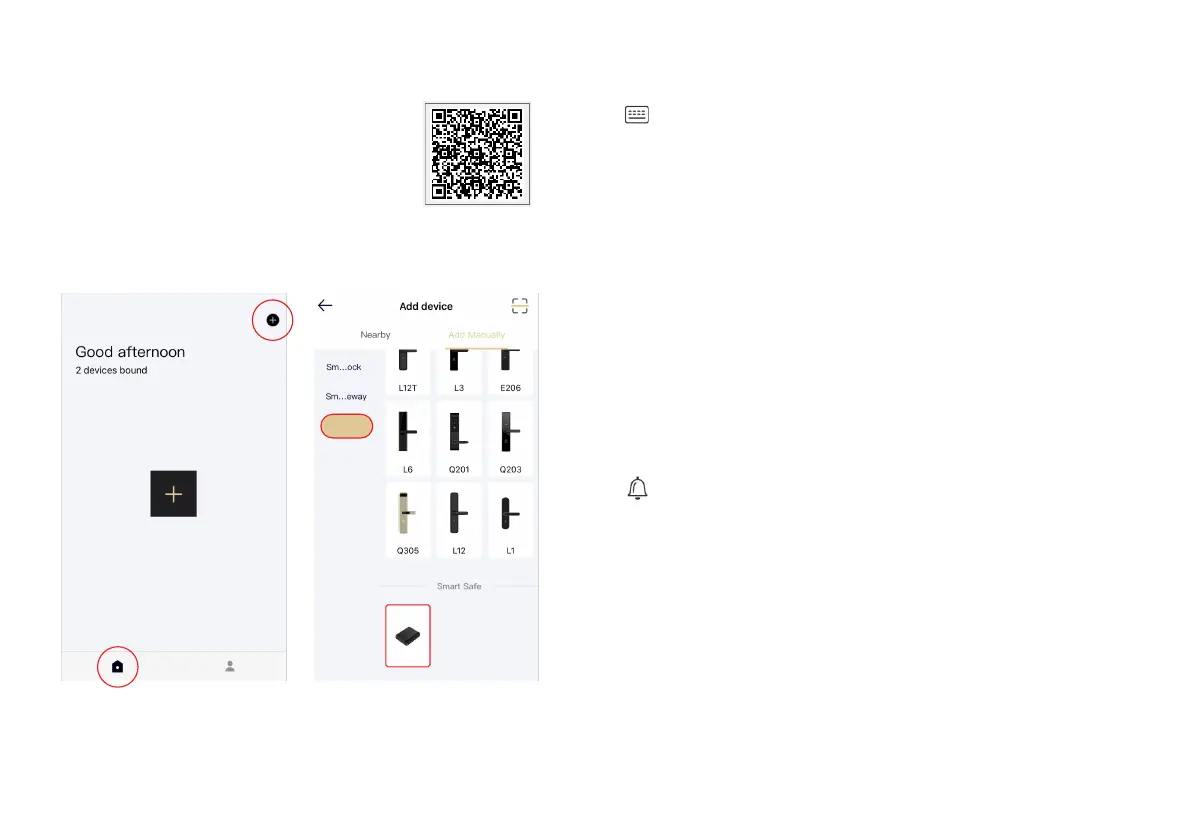
C. Bind mobile phones to the device
① Scan the QR code to download the Smart
APP (FC Smarthome);
② Open the APP and select manually add -
smart safety box - K3. Operate according to
the prompts of the APP (Only 2.4Ghz WiFi is
supported, and the distance between the router
and the device should not exceed 15m.);
③ The binding is successful.
APP Download QR Code
①
②
①
②
-5-
-6-
Smart Safe
K3


 To Next Page
 Loading...