Recording
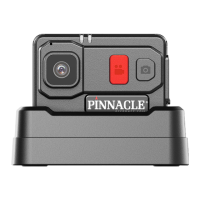
To start recording with your PR7, slide down the Record Shutter Switch on the
front of the camera marked “AUDIO VIDEO”. When recording has started the
Indication LED 1 will flash GREEN. To cease recording, slide the shutter back up
to the off position. If you have less than 15% storage capacity, then LED 1 will
flash RED.
LED Functions


 To Next Page