
 Need help?
Do you have a question about the Pioneer DEH-P2600 and is the answer not in the manual?
Guidance on safe listening levels to prevent hearing damage.
Important safety warnings and cautions for product usage.
Instructions for installing battery and proper operation of the remote control.
Methods for deterring theft, including front panel detachment and warning tones.
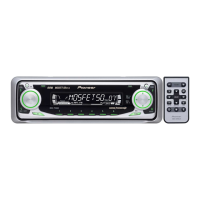
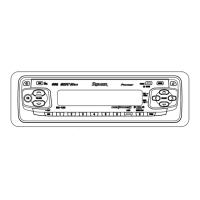
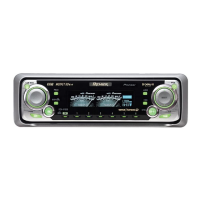
Identification and function of buttons and controls on the head unit.
Explanation of the remote control buttons and their functions.
Procedure for powering the unit on by selecting a source.
How to choose between different audio sources like Tuner, CD, AUX.
Procedure for powering the unit off by pressing and holding the SOURCE button.
Basic steps for operating the radio and tuning into stations.
Overview of advanced tuner functions like BSM and LOCAL tuning.
How to store and recall radio station presets using buttons 1-6.
Using LOCAL setting for tuning only strong radio stations.
Using BSM to automatically store the six strongest stations.
Basic steps for inserting a CD and starting playback.
Overview of advanced CD functions like repeat, random, and scan play.
How to set and cancel repeat play for tracks or discs.
Instructions for enabling and disabling random playback of tracks.
How to use scan play to hear the first 10 seconds of each track.
Table of error messages, their causes, and suggested actions.
Technical specifications for the unit, including audio, CD, and tuner details.
 General
| Brand | Pioneer |
|---|---|
| Model | DEH-P2600 |
| Category | Car Receiver |
| Language | English |




 To Next Page