
 Need help?
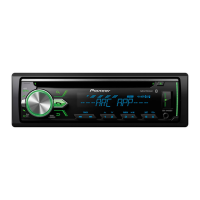
Do you have a question about the Pioneer MVH-X185UI and is the answer not in the manual?
Step-by-step guide to connect a Bluetooth device.
Configuration options for Bluetooth features like device list, PIN, etc.
Instructions for initiating phone calls via Bluetooth.
How to answer or reject calls received via Bluetooth.
Configure general system parameters like Language, Clock, Time, AUX, USB Auto, BT Audio, App.
Details on connecting power, speakers, microphone, and other components.
Specific instructions for connecting the power cord.
Steps for installing the unit using the DIN mounting sleeve.
Instructions for installation without using the standard mounting sleeve.
Solves common problems like display returning to normal, repeat play issues, sound intermittent.
Explains common error messages like AMP ERROR and NO XXXX.
Covers power source, grounding, current consumption, and dimensions.
Details power output, continuous output, load impedance, and equalizer settings.
 General
| MP3 playback | Yes |
|---|---|
| CD-R playback | No |
| Audio formats supported | AAC, MP3, WMA |
| DIN size | 1 DIN |
| Output power | 200 W |
| Volume control | Rotary |
| Audio output channels | 4.0 channels |
| Equalizer bands quantity | 5 |
| Maximum power per channel | 50 W |
| Supported radio bands | AM, FM |
| Preset stations quantity | 24 |
| Display type | LCD |
| Display number of lines | 1 lines |
| USB version | 2.0 |
| USB port position | Front |
| USB connector type | USB Type-A |
| USB ports quantity | 1 |
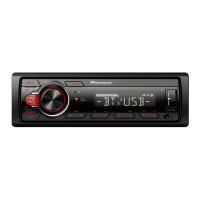
| Key illumination color | Red |


 To Next Page