9
En
English
Checking the Standard Accessories
Check to make sure that you have all the standard accessories before assembly and installation.
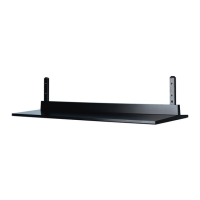
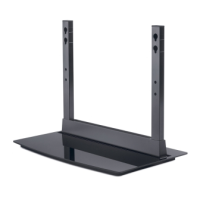
Base cover x 1 Stand pipes
(left and right, interchangeable) x 2
Hexagonal wrench x 1
(Opposite side 6 mm for M8 use)
Screws (4 mm x 10 mm) x 4
Installation bolts 1
(M8 x 20 mm: black) x 2
Installation bolts 2
(M8 x 40 mm: black) x 2
Operating instructions
(this document) x 1
Light-blocking shield x 1
Attaching the Light-blocking Shield
This part prevents reflection of the cables connected to the
back of the Plasma Display on the base cover.
Note
Attach it after anchoring the base cover on a flat stable
place.
Attachment Procedure
1 Remove the double-sided adhesive tape
from the light-blocking shield.
Remove each double-sided
adhesive tape.
Light-blocking shield
Base cover


 To Next Page
 Loading...