15
9. Operation
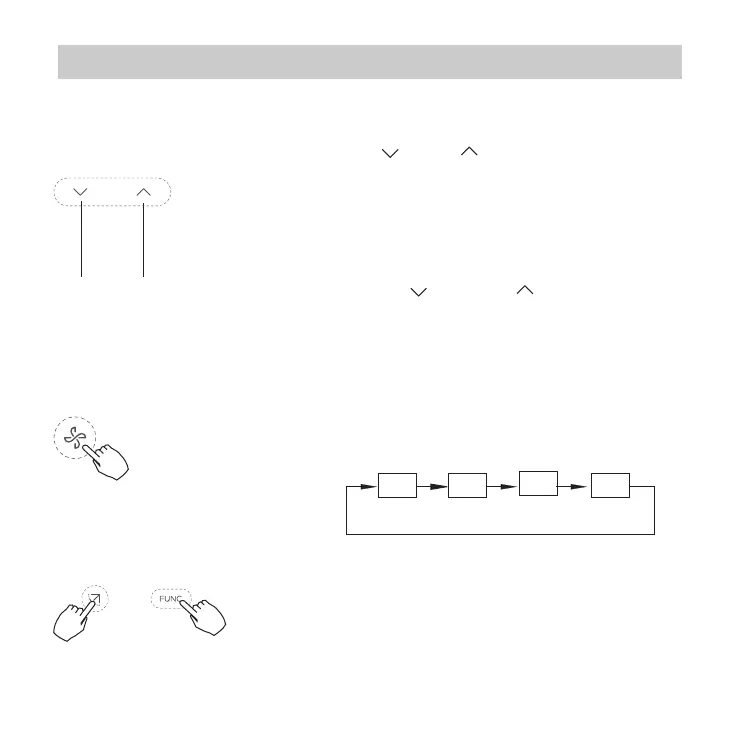
Room temperature setting
Lower Raise
Fan speed setting
Press the Fan speed button to set the fan speed.
(This button is unavailable when in the mode of
Auto or Dry)
Auto LOW MED HIGH
keypad tone setting
Press the buttons Swing and FUNC. for 3
seconds to close the keypad tone.
Press the buttons again for 3 seconds to
open the keypad tone.
Press the button“ ”or “ ” to set the room
temperature.
Indoor Setting Temperature Range :
17~30°C(62~86°F ).
°C & °F scale selection(on some models)
Press the buttons “ ” and “ ” for 3 seconds
will alternate the temperature display between
the °C & °F scale.


 To Next Page
 Loading...